PongLens for table tennis coaches.
Keep every student’s lesson notes and shared matches in one place, leave feedback on any point, and turn your lesson recordings into notes and video recaps.
Students, notes and match feedback are free.
How coaching works on PongLens
Read it instead
PongLens helps table tennis coaches give their students a better experience and keep them progressing between lessons.
Keep lessons, notes, match videos and feedback together, so you always know what each student is working on and what to focus on next.
Students can share their matches with you between lessons.
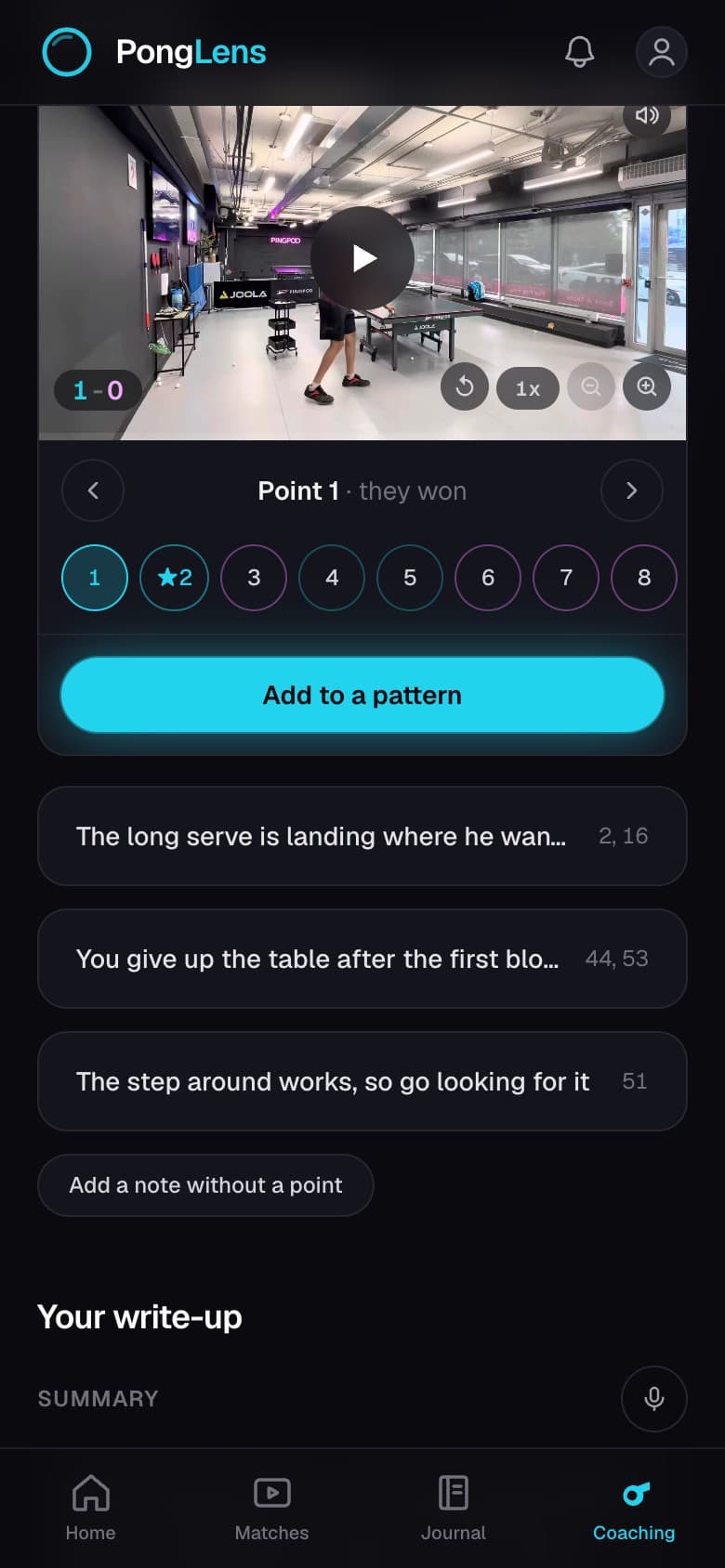
Review individual points, leave comments, draw on the video, or send a voice note with your feedback.
Then bring what you see into the next lesson and work on it together.
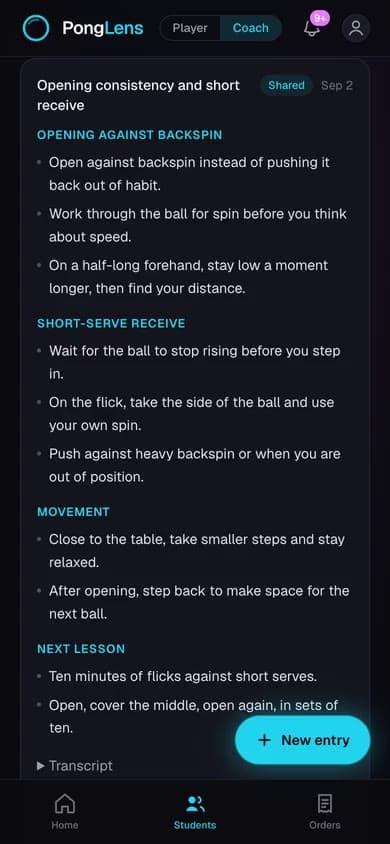
Record a lesson on your phone and PongLens turns it into notes you can review and share with your student.
Your student leaves with a clear reminder of what you worked on and what they should practice before the next lesson.
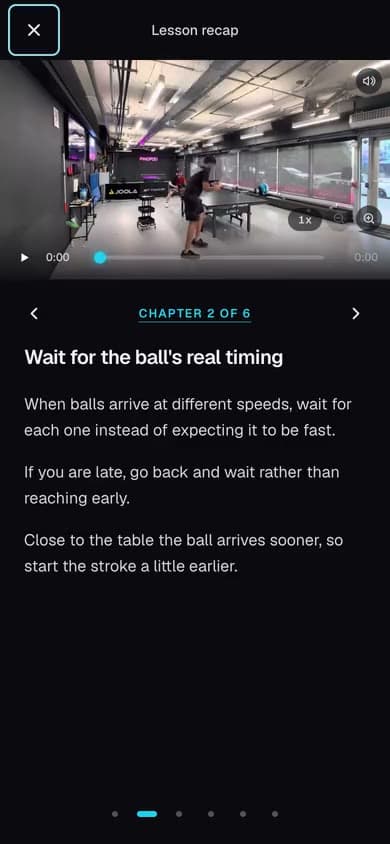
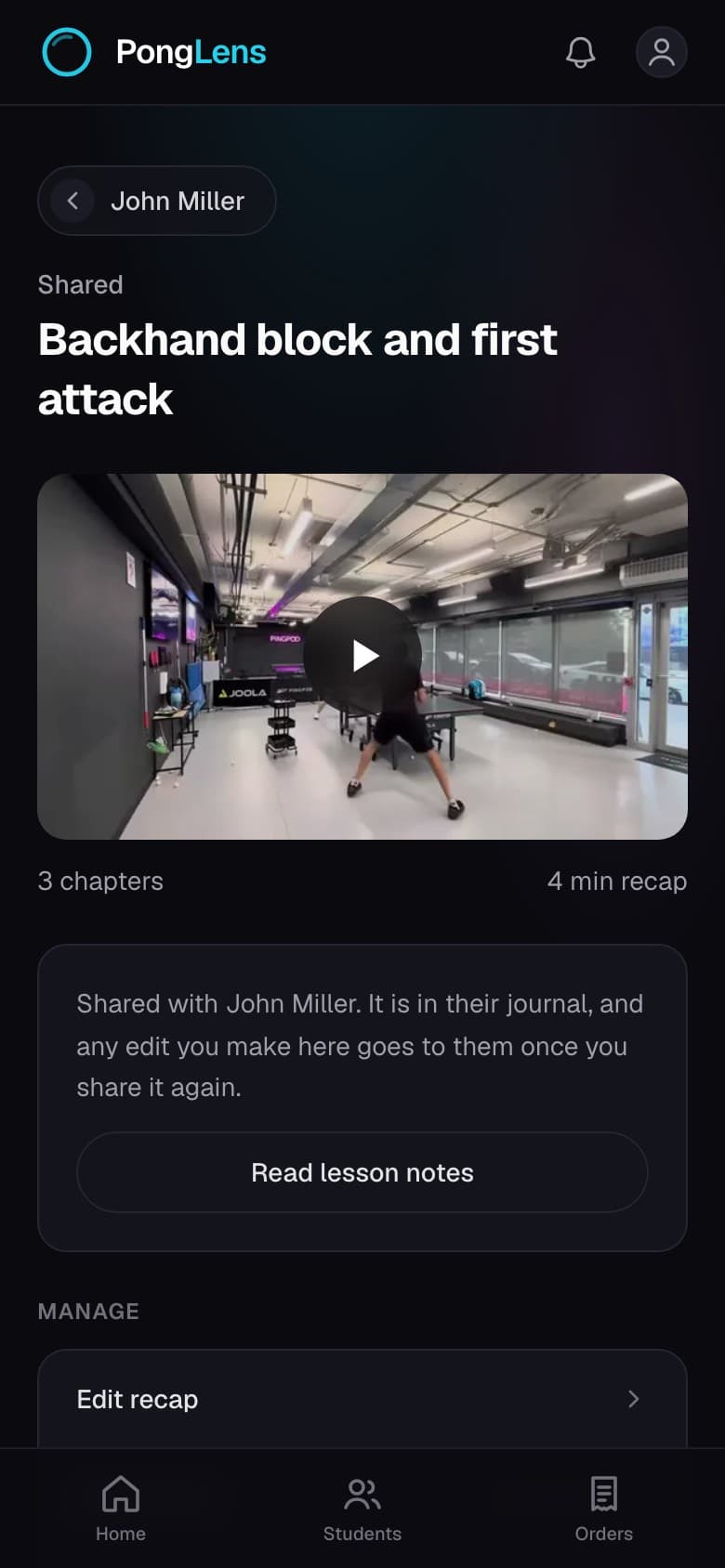
If you record the lesson on video, PongLens breaks it into chapters so your student can quickly go back to an explanation or demonstration without rewatching the whole lesson.
Your key points stay beside each chapter while it plays. The recap also lists the lesson's goals and what to work on next.
A student can also ask you to review a whole match, and tell you what they want you to look at.
Group the points that matter into patterns, add a short write-up, and your student gets one review they can watch point by point.
You can also sell reviews from your own page on the PongLens website, and players pay through Stripe.
Give students more value beyond the lesson, help them see their progress, and give them more reasons to keep working with you.
PongLens. A better coaching experience. More student progress.
Every student in one place
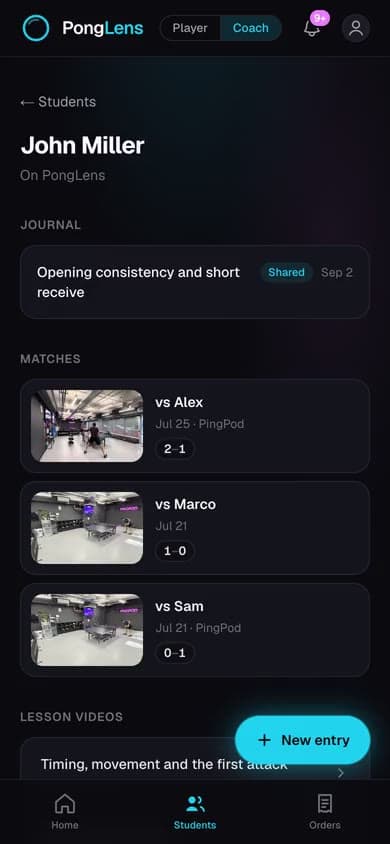
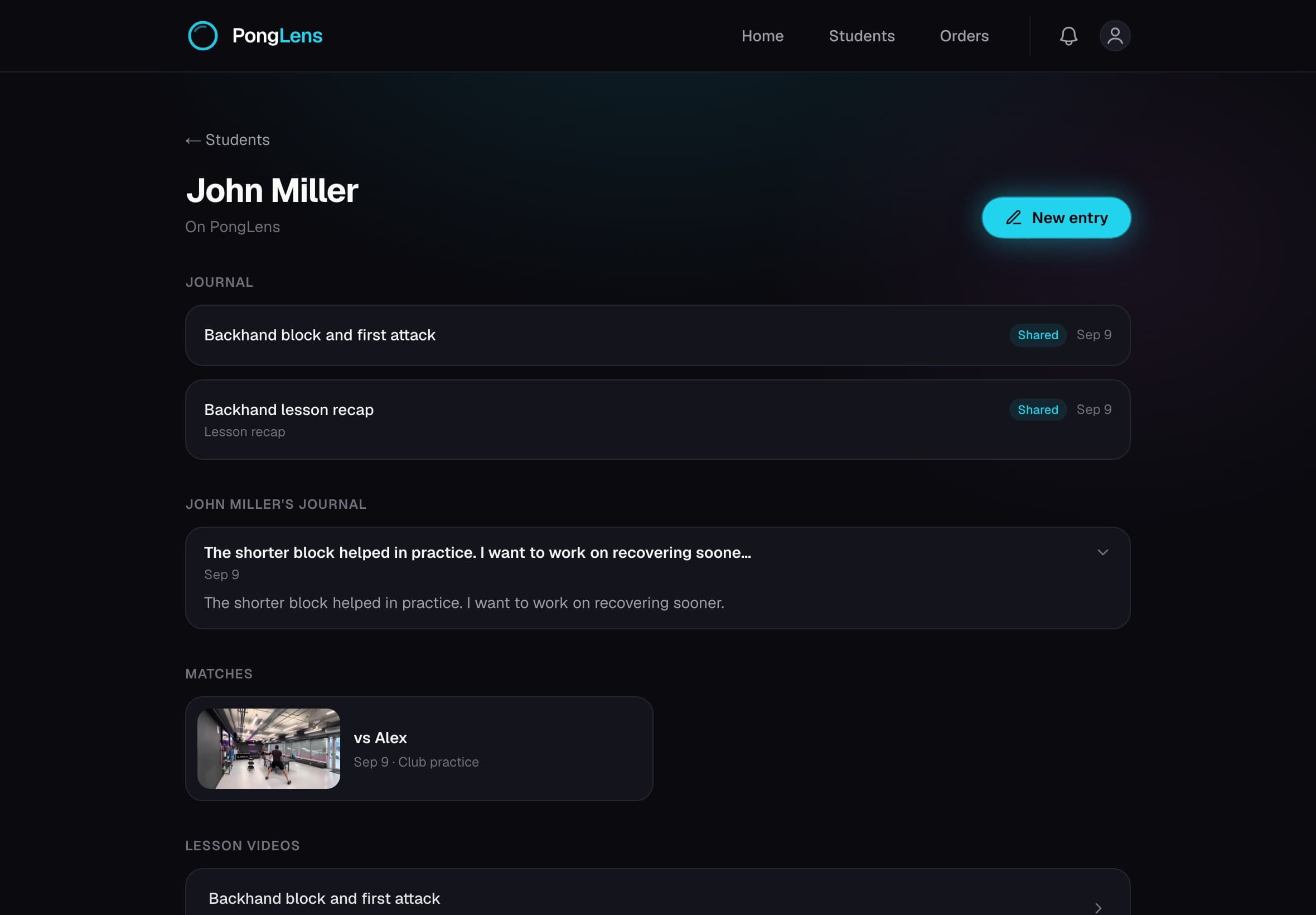
Each student has a page with your lesson notes, the matches they share and the journal entries they send you. Open it before a lesson to see what you worked on last time.
Comment on their matches
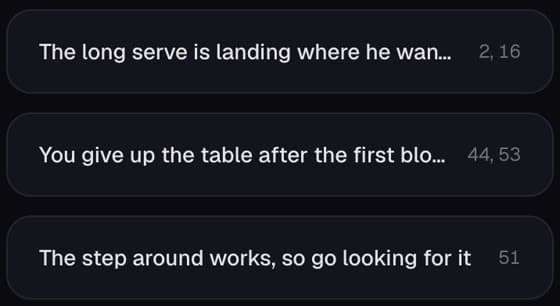
Go through a shared match point by point and leave a written note, a voice note or a drawing on any point. Your student finds it on that point.
Record your lessons
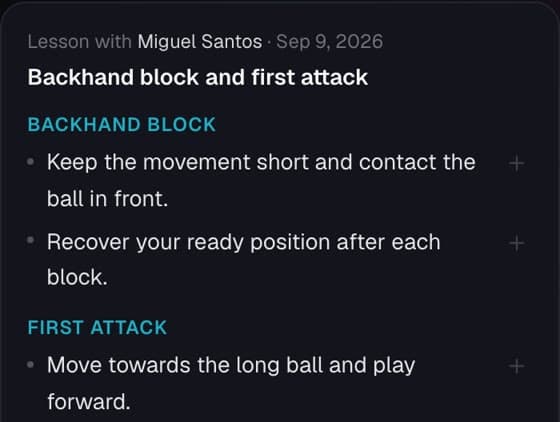
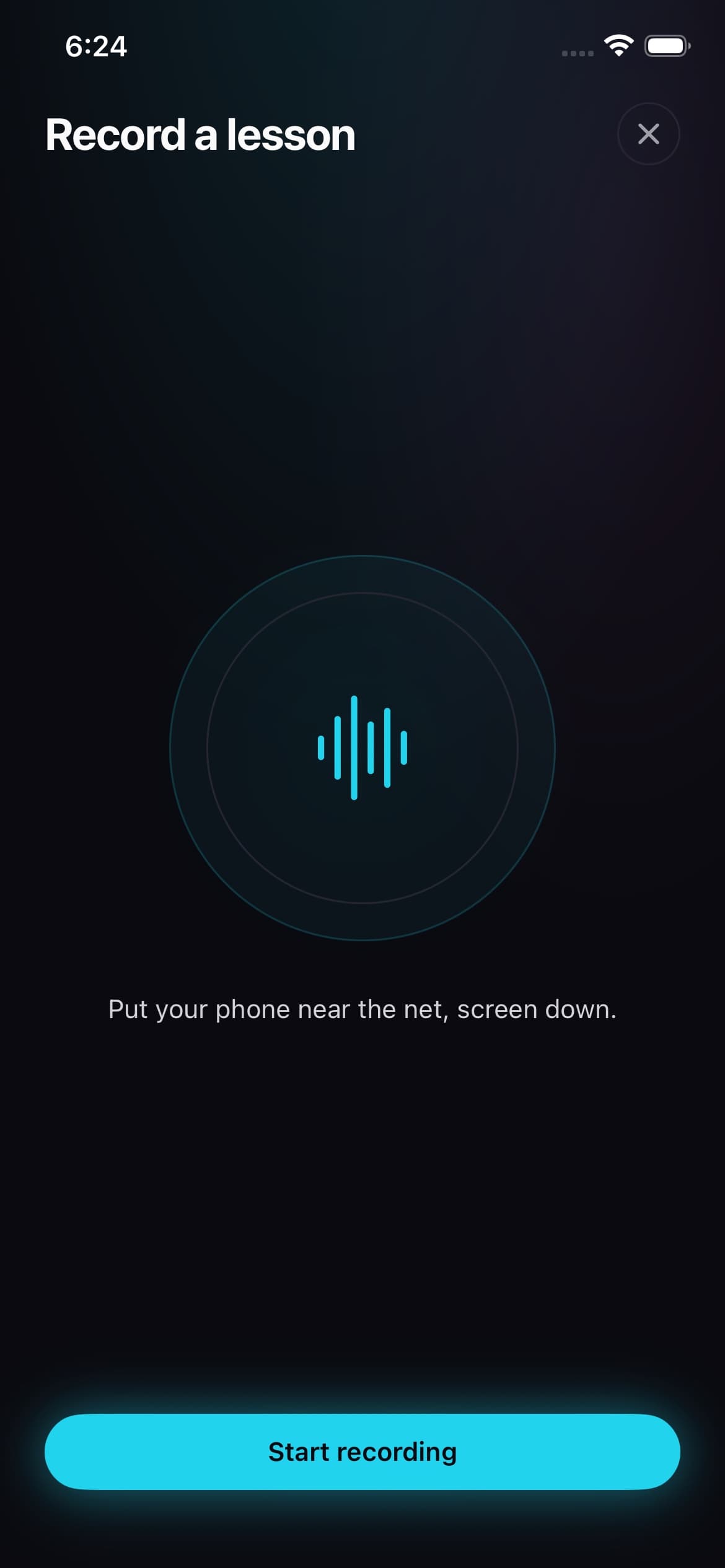
Start a recording on your iPhone when the lesson begins. PongLens turns it into a transcript and draft notes, which you edit before sharing them with your student.
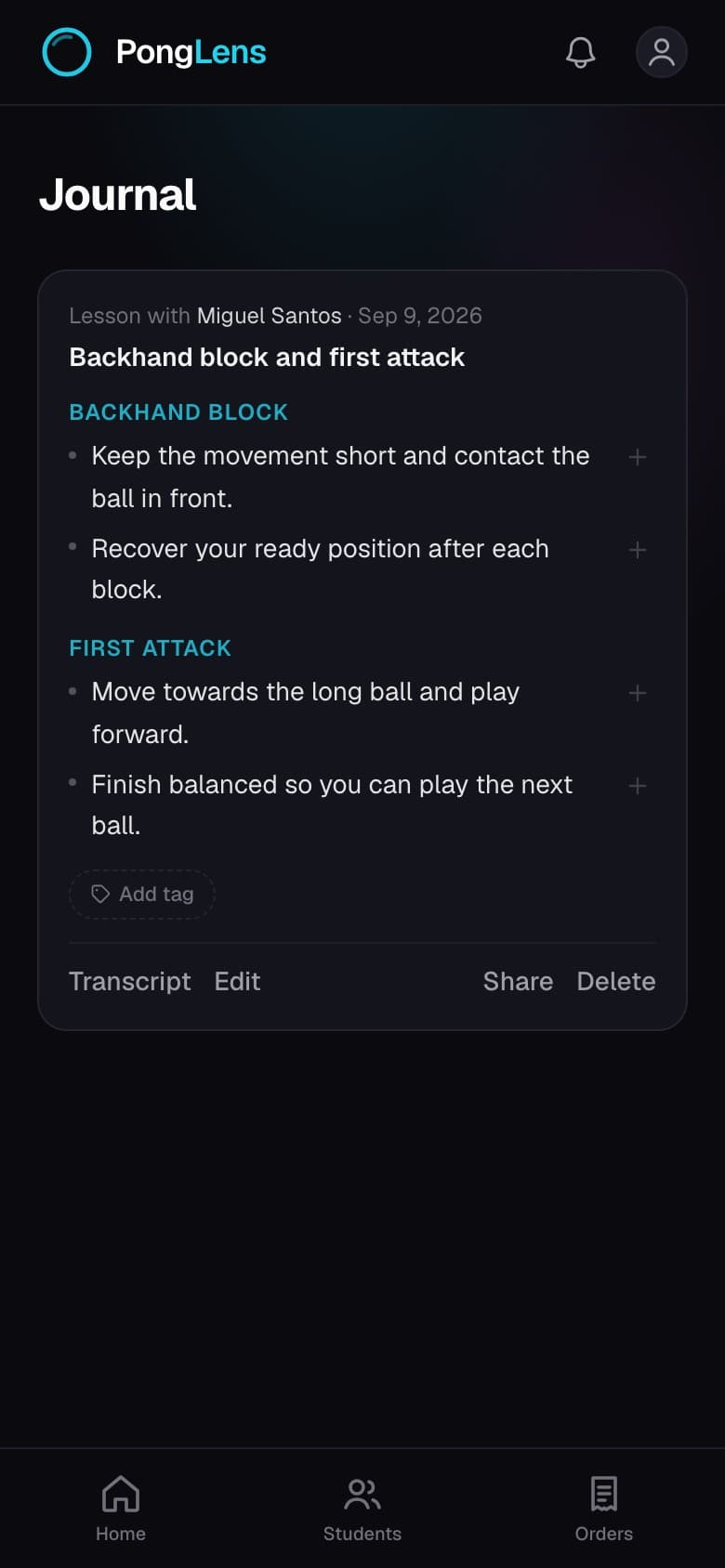
Share notes to their journal
Send lesson notes straight to your student’s journal. If you edit a note later they see the new version, and you can read the entries they share back.
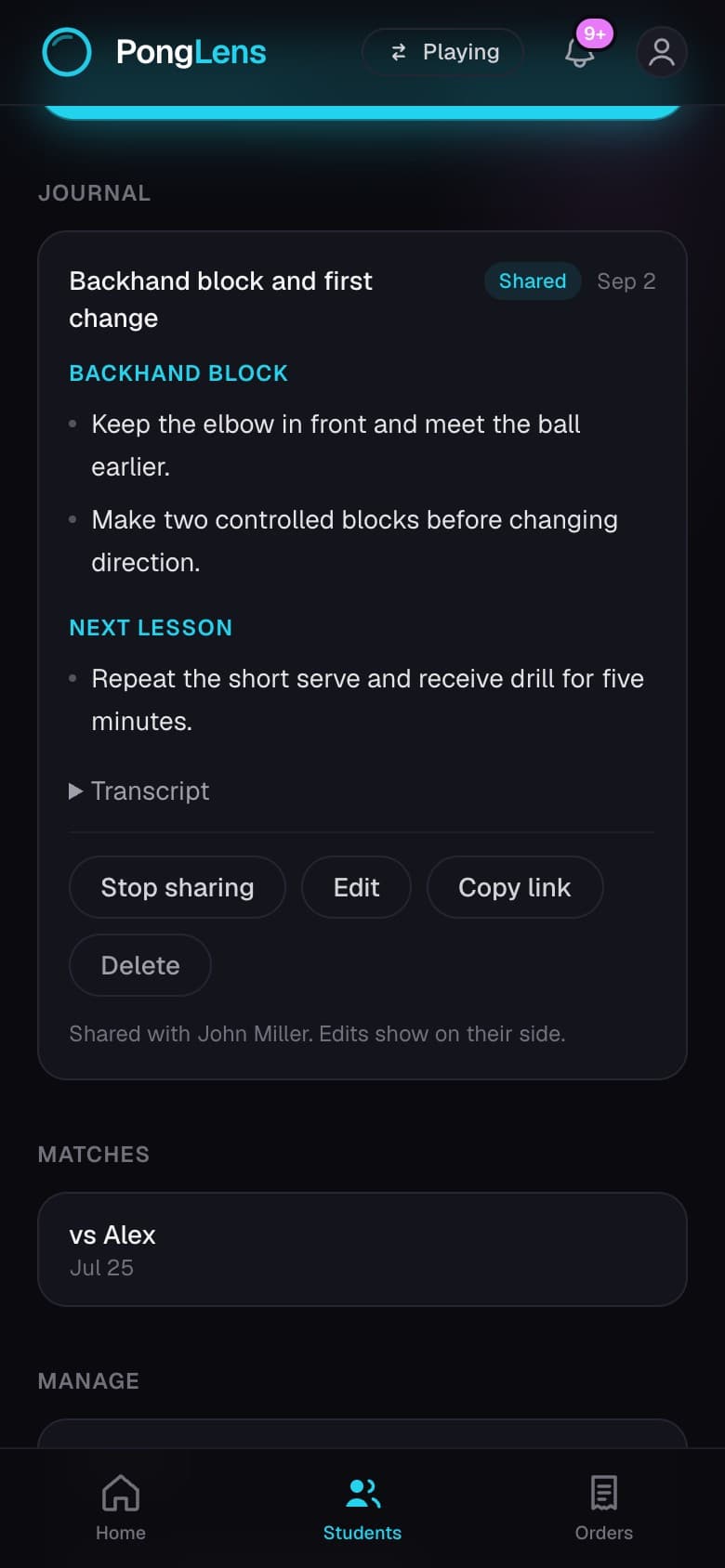
Video lesson recaps
Upload a lesson video and PongLens makes a shorter recap split into chapters. You check it before your student sees it, and they can jump to the explanation they need.
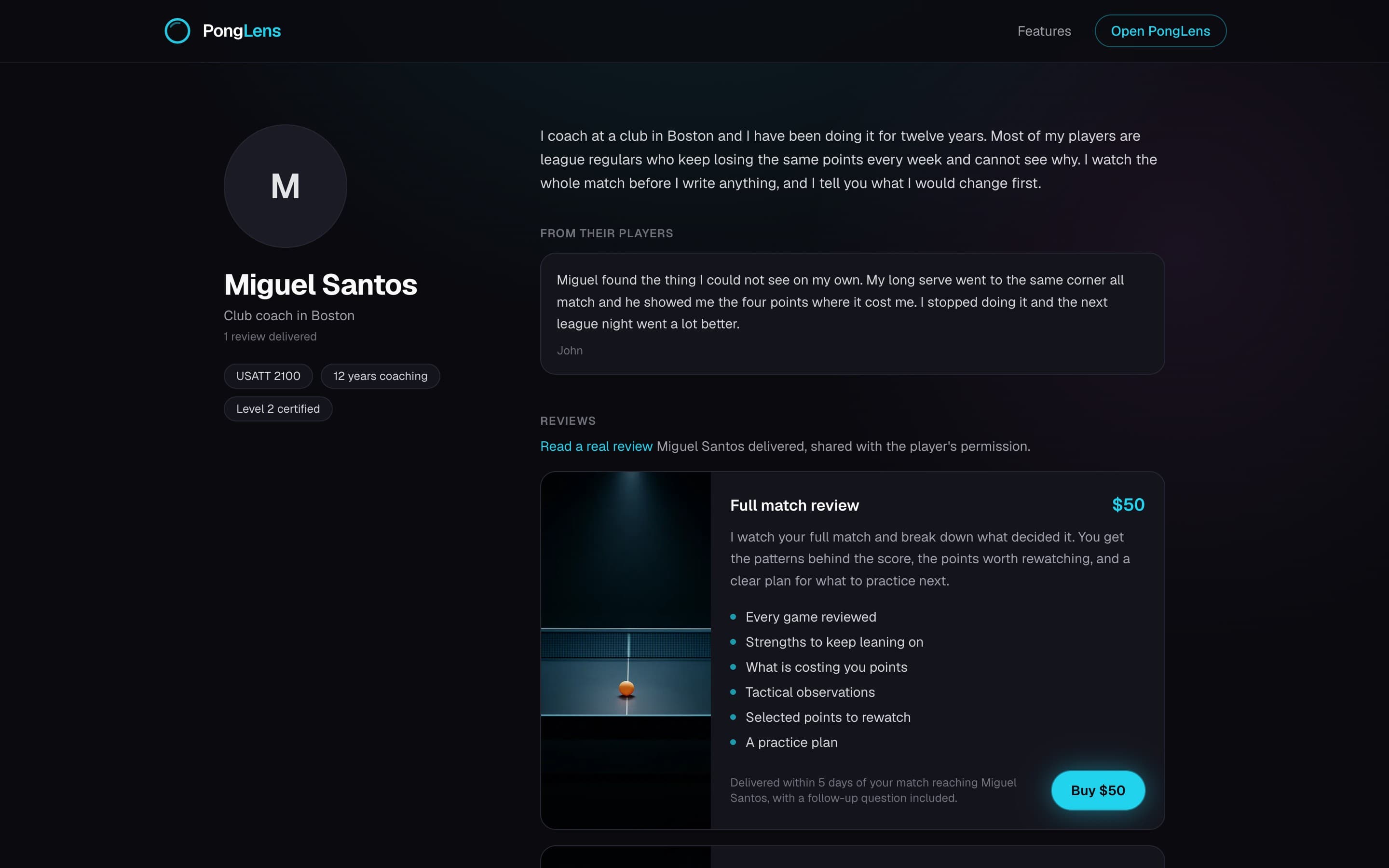
Paid match reviews
Offer paid match reviews on your coach page. Set your price, accept requests and deliver feedback on their footage. PongLens handles payment and delivery.
Questions
What can I use PongLens for as a coach?
Keep each student’s lesson notes and shared matches in one place. Leave feedback on the points of a match, record lesson audio on iPhone and share the notes, make video recaps, and offer paid match reviews.
Do my students need a PongLens account?
Not for you to add them and keep notes about their lessons. You can send any entry as a link. When a student connects their account, the entries you share appear in their journal, and the entries and matches they choose to share appear on their student page.
What can I see from a student’s account?
Only the matches and journal entries they choose to share with you. Their other entries and their account details stay private.
How does lesson recording work?
Record the lesson audio in the iPhone app. PongLens creates a transcript and draft coaching notes, which you review, edit and share with your student.
Can I upload a lesson video?
Yes. Upload a lesson recording and PongLens makes a shorter video split into chapters. You review it before you share it.
Can I edit an entry after sharing it?
Yes. A shared entry is live, so your student sees the updated version in their journal. You can stop sharing it at any time.
Does it work on iPhone and the web?
Students, shared notes, matches and video recaps work on iPhone and the web. Recording a lesson is on iPhone. Paid review orders are managed on the web.
Get the iPhone appWhat does it cost?
Managing students, sharing notes and giving match feedback are free. Lesson recordings and video recaps use your included processing and storage allowances. A platform fee applies when you sell a match review.
How do paid match reviews work?
You set the price, what the review covers and how many days you need. A player sends a match and their questions, and nothing starts until you accept. You deliver the review through PongLens, and you are paid through Stripe.
Can my students see each other?
No. Each student sees only what you share with them. Their matches, entries and account details are not visible to your other students.