Learn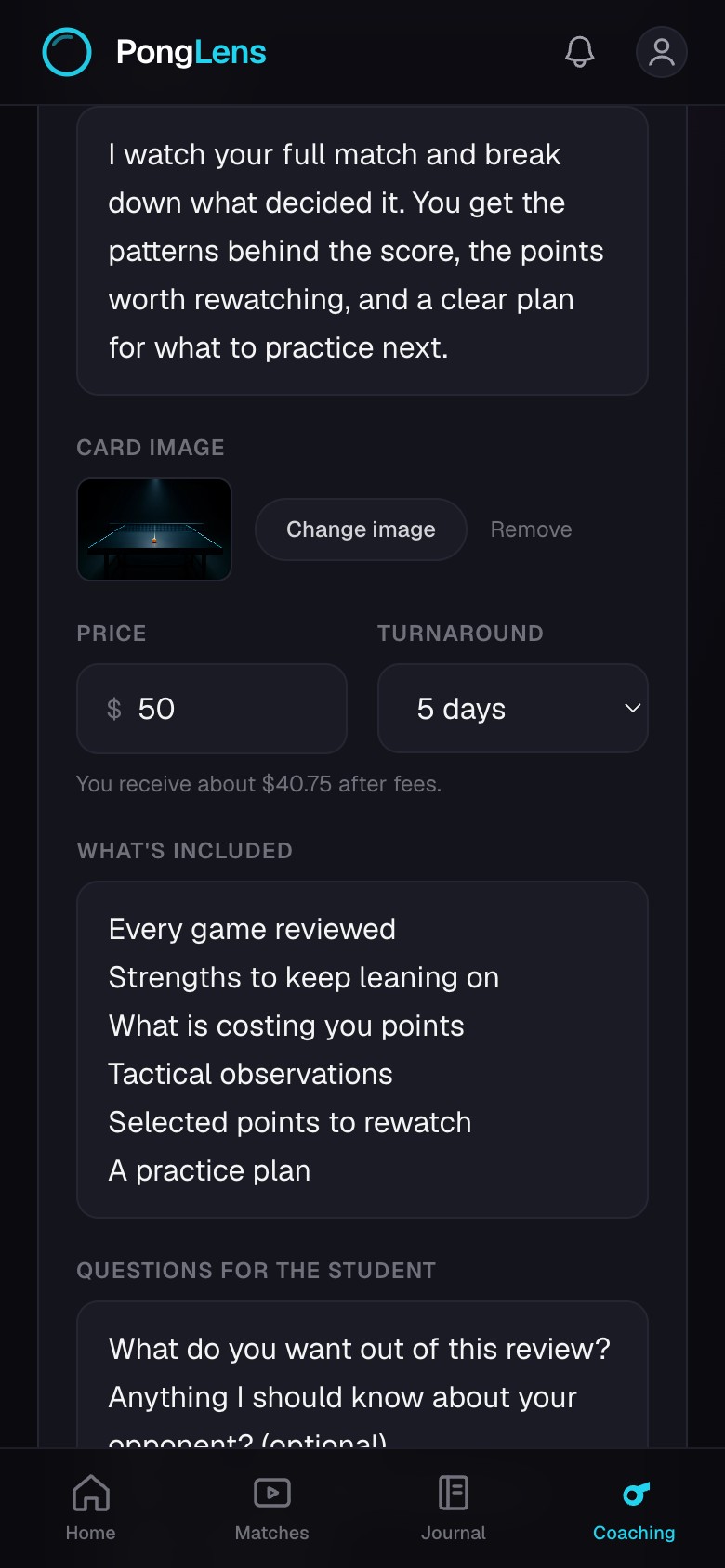
Set up paid match reviews
Publish an optional review offering with clear terms and availability.
Quick steps
- 1Open your Coach page and create an offering.
- 2Describe the review scope, set the price and turnaround, and list what the player receives.
- 3Set your availability and connect payments before publishing.
- 4Preview the offering, then make it available when the terms are accurate.
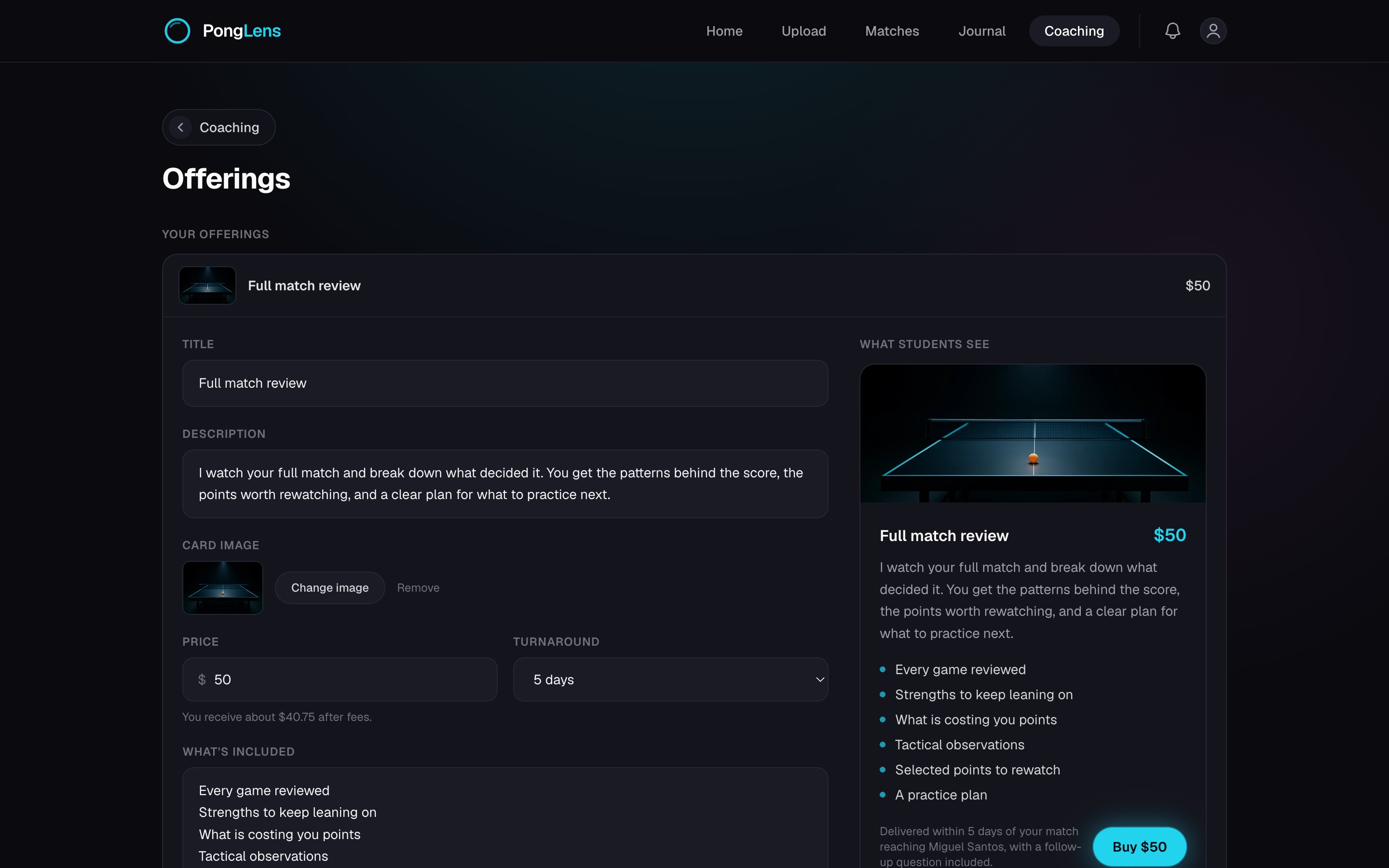
Define the offering
Explain the matches you accept, the questions or information you need, the written sections and attachments you include, and the number of follow-ups. Set a price and turnaround that match that scope.
Control availability and payments
Pause availability when you cannot take another order. Keep the payment connection current so accepted and delivered orders can move through payout.
Good to know Paid match reviews are optional web functionality. You can use the coaching workspace without publishing an offering.
Keep going
Try it on your next match.
Every account starts with 100 free processing minutes and 25 GB of storage.
Upload your first match