Learn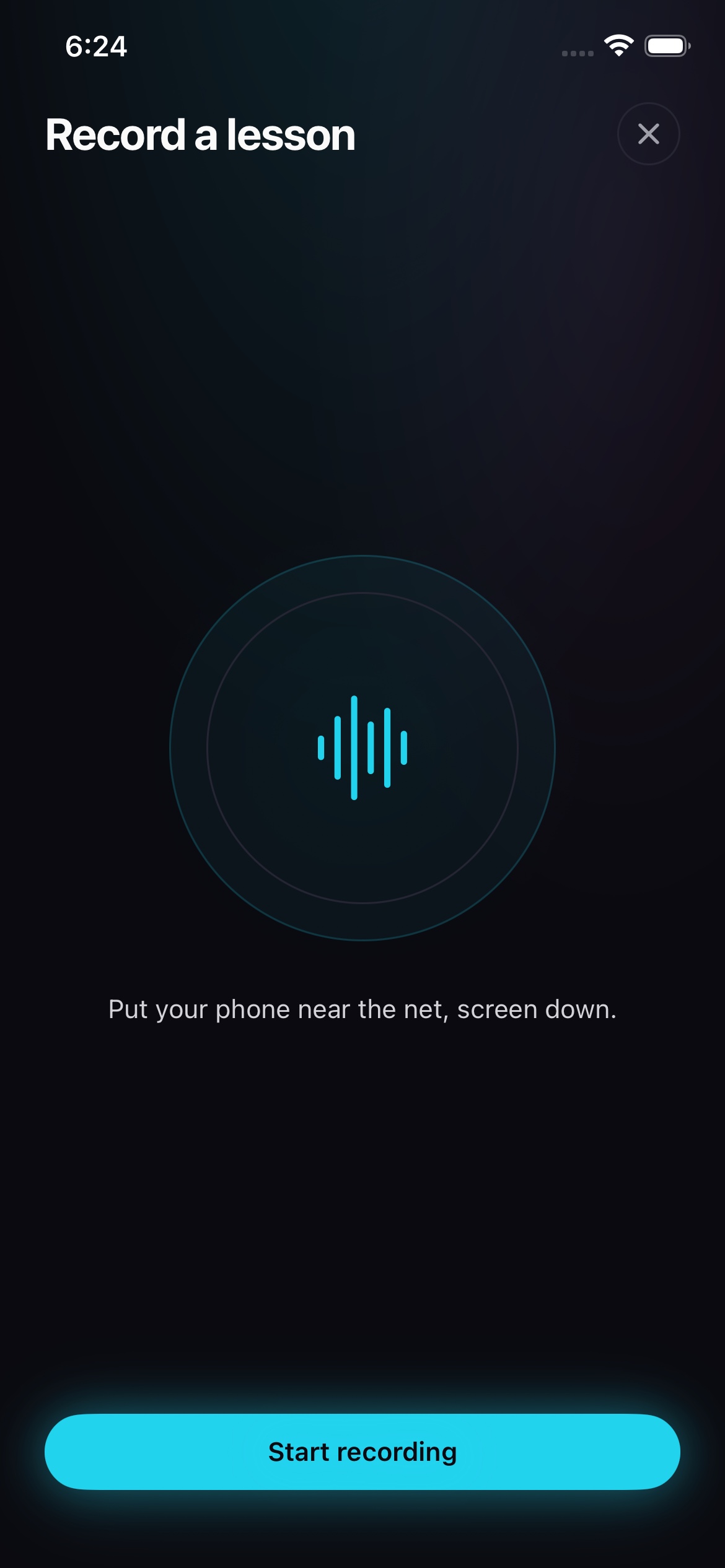
Record a lesson on iPhone
Capture lesson audio and review the resulting entry before saving it.
Quick steps
- 1On iPhone, choose Audio record a lesson and select the student.
- 2Put the phone near the table where it can hear the session, then start recording.
- 3Pause when the lesson stops and resume when it starts again.
- 4Choose Finish, then review the transcript and prepared notes.
- 5Correct the entry and save it under the student.
Place the phone for clear audio
Keep the iPhone close enough to hear both sides of the lesson without putting it in the playing area. Reduce music and other nearby noise when you can.
Pause, resume, and finish
Start the recording when the session begins. Pause during a break, then resume the same lesson afterwards. Finish closes the recording and prepares the transcript and main lesson points.
Review before saving
Read the transcript, then review the prepared notes. Correct names, terms, and lesson points while the session is fresh. Save only after the entry says what you want kept under the student.
Keep going
Try it on your next match.
Every account starts with 100 free processing minutes and 25 GB of storage.
Upload your first match