Learn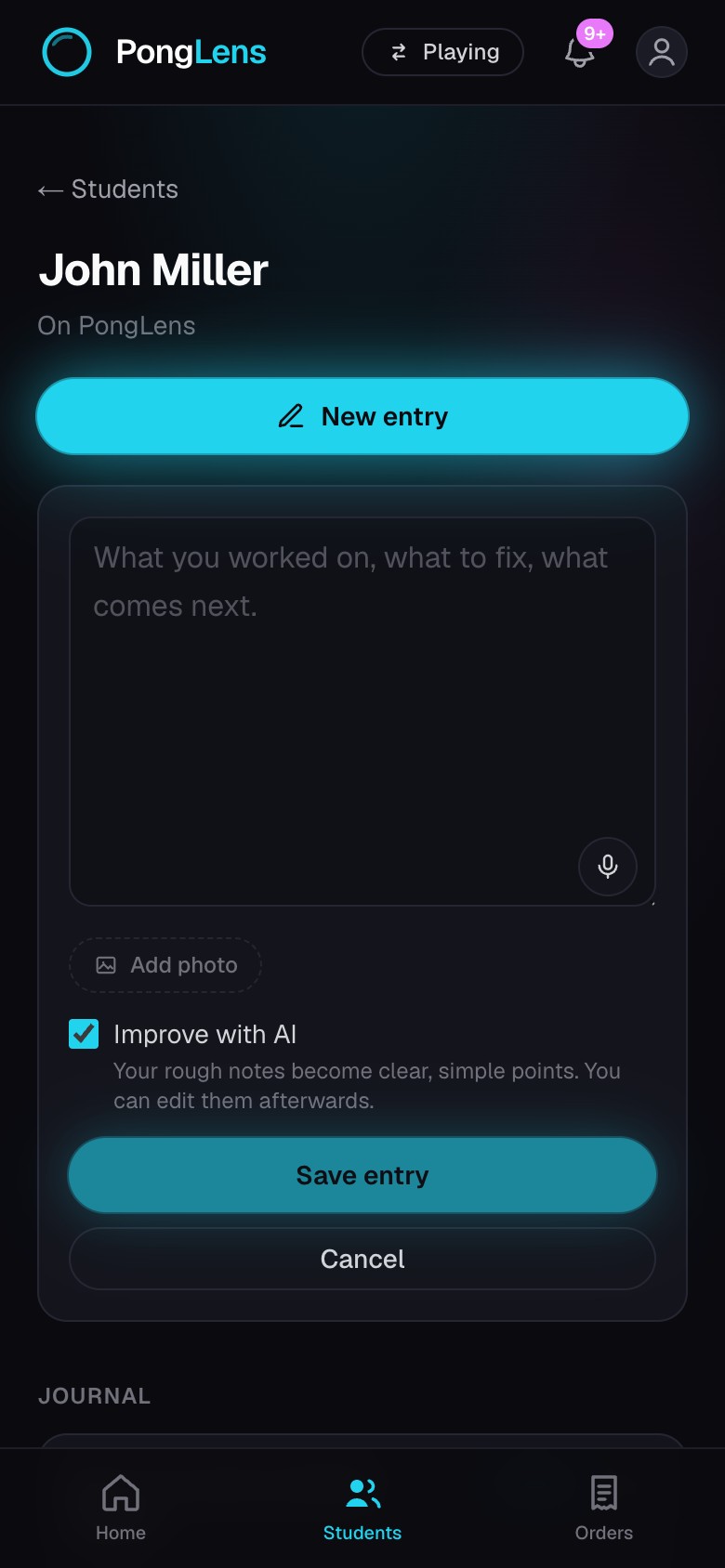
Keep lesson entries
Capture what happened in a lesson and shape it into useful next steps.
Quick steps
- 1Open a student and choose New entry.
- 2Type, paste, or dictate what you worked on.
- 3Add a photo or include a useful web link, then link the entry to a match when it refers to one.
- 4Choose Improve with AI, review the prepared notes, and save the entry.
Prepare the lesson notes
Improve with AI turns rough notes into clear points without replacing the original words. Edit either the original text or the prepared notes before you save.
Link the entry to one of the student's matches when the lesson refers to that footage. The relationship stays with the entry.
Update the record later
Open an entry to edit its words, prepared notes, attachments, link, or related match. Delete an entry when it should no longer be part of the student's coaching record.
Keep going
Try it on your next match.
Every account starts with 100 free processing minutes and 25 GB of storage.
Upload your first match