Review a student's match
Study a shared match without changing the player's work.
Quick steps
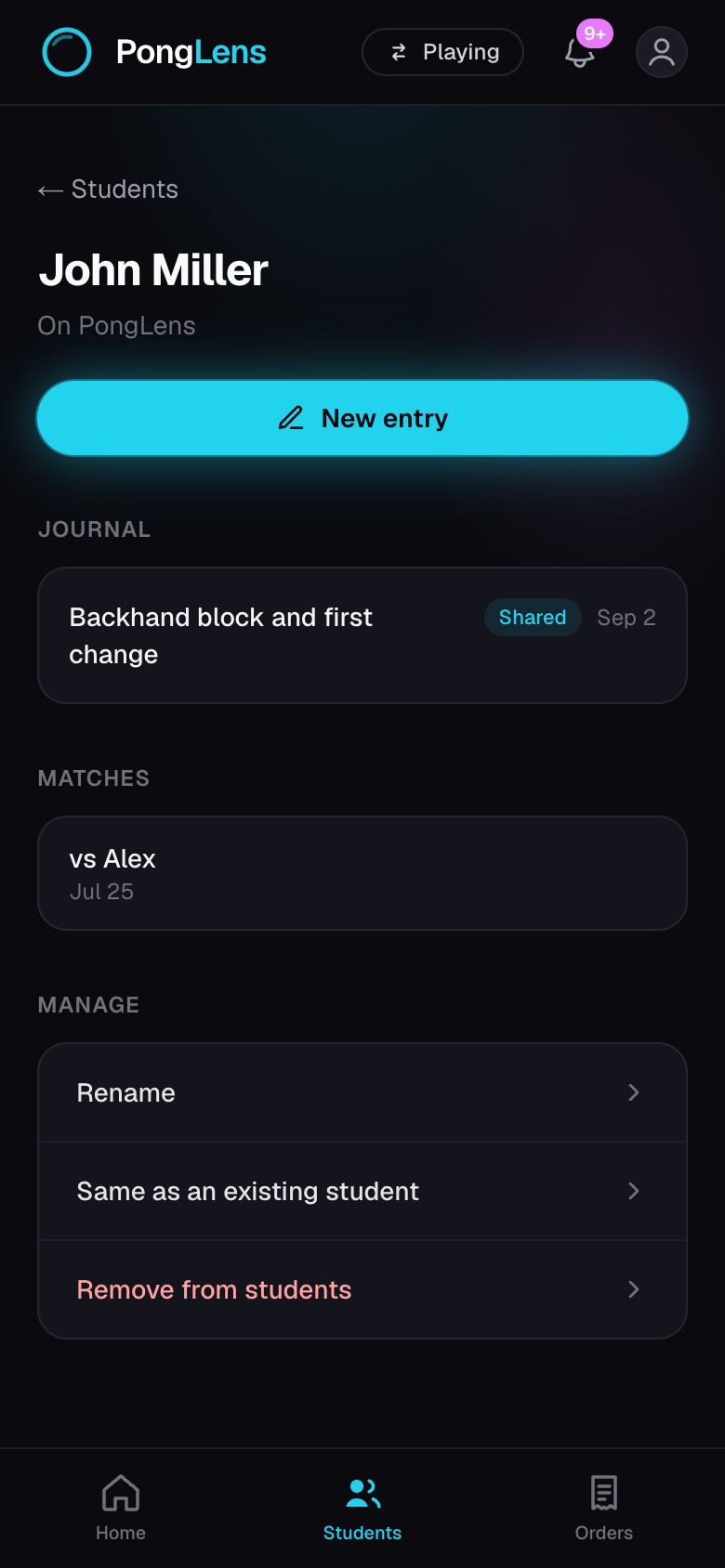
- 1Open a student and choose one of the matches they shared.
- 2Watch the cut match or open Original for the upload exactly as the player sent it.
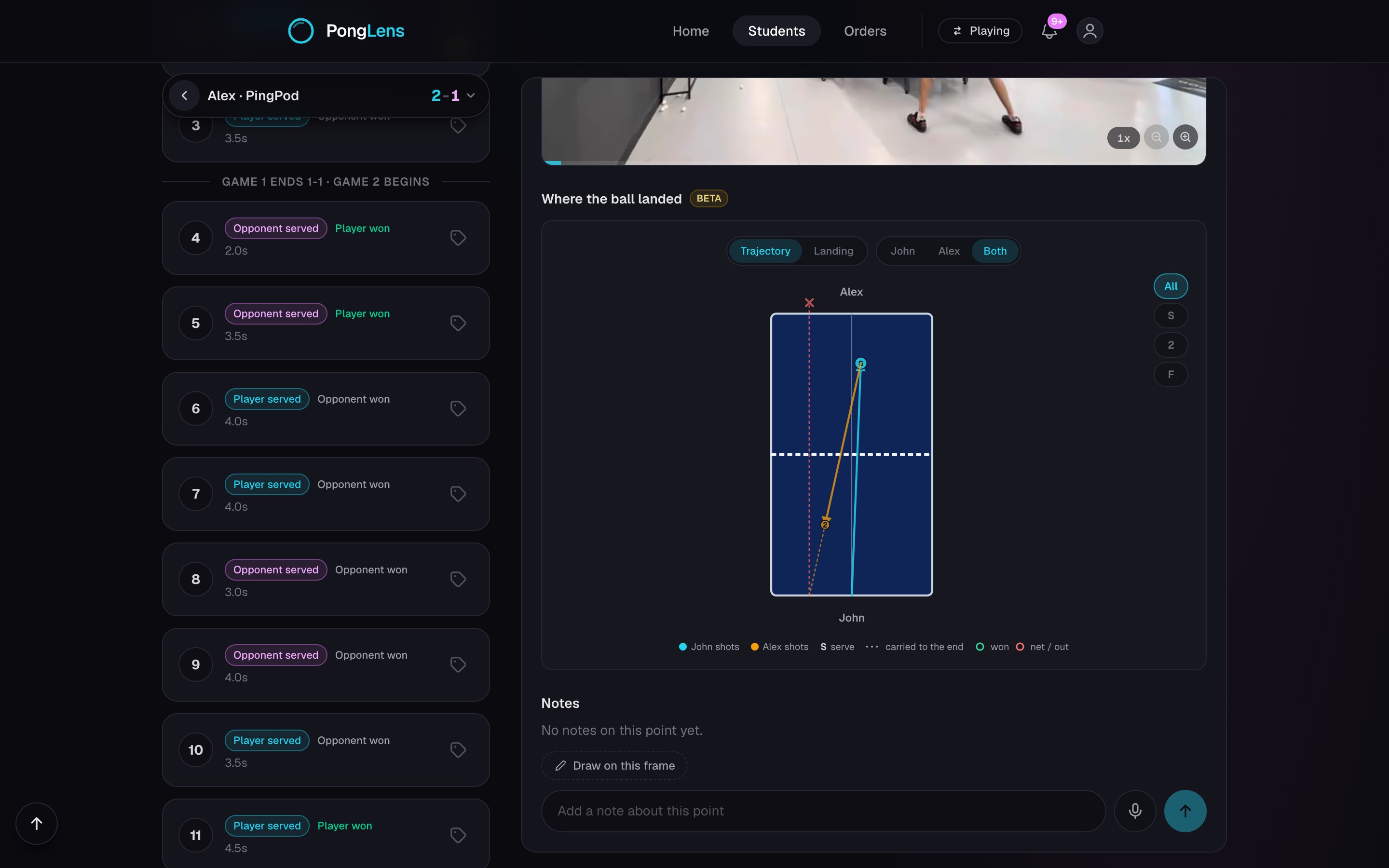
- 3Move point by point and follow the score the player recorded.
- 4Open Match analysis when you need the player's wider read of the match.
Use the same evidence as the player
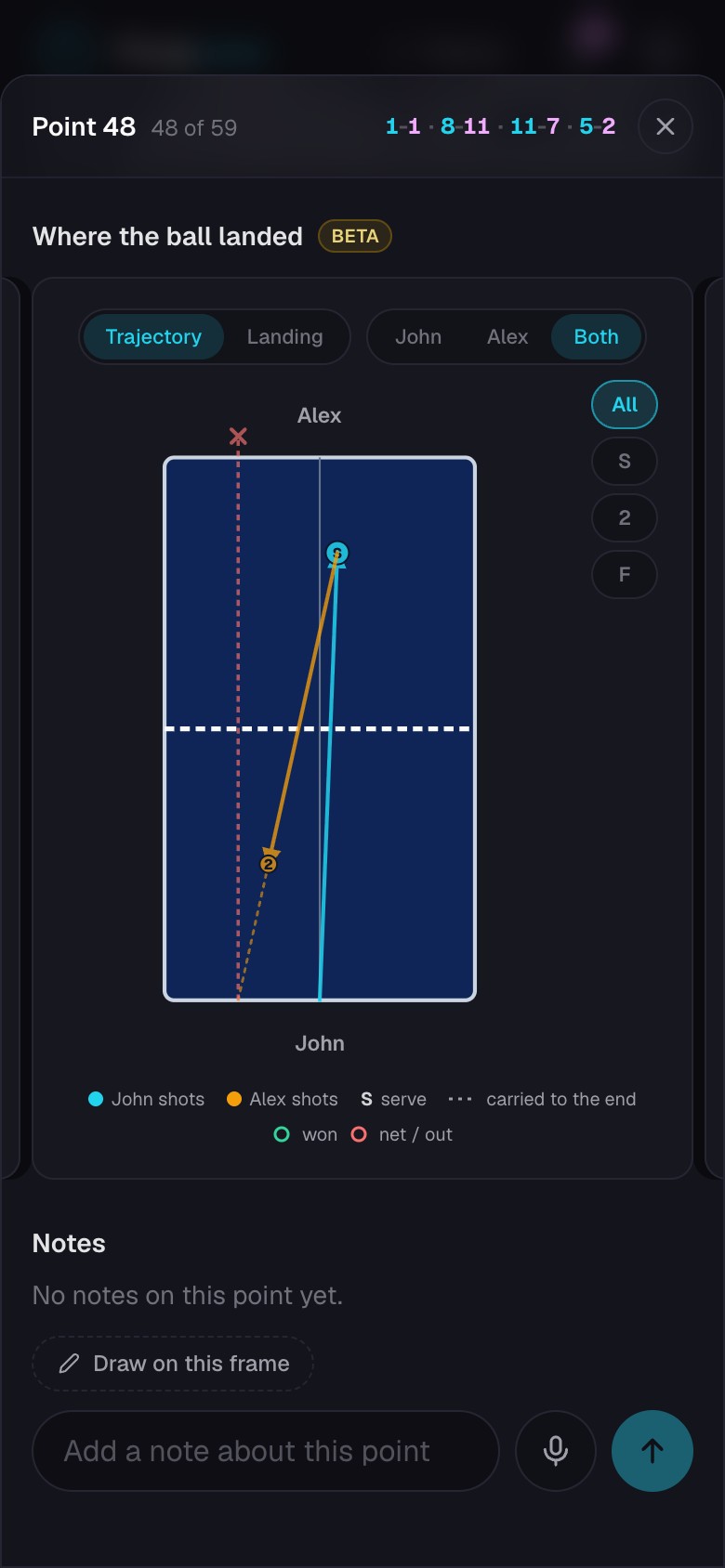
The cut removes the time between rallies, while Original keeps the complete upload. Open individual points to connect an observation to the exact rally.
The score and match analysis reflect the player's scoring.
Know the access boundary
The match remains the player's. A coach cannot change scores, clips, match details, analysis answers, or placement results. If the student changes your match access, the list on their page updates to match that choice.
Report a cut problem
- 1Open Report a cut problem from the student's match.
- 2Describe the missing rally or incorrect cut, then choose Send report. This report is private and separate from your coaching notes.
Reporting a problem does not change the player's match. Coaches cannot request reprocessing or minutes back for a student. The current match stays available while a report is reviewed.
Keep going
Try it on your next match.
Every account starts with 100 free processing minutes and 25 GB of storage.
Upload your first match