Learn
Keep a training journal
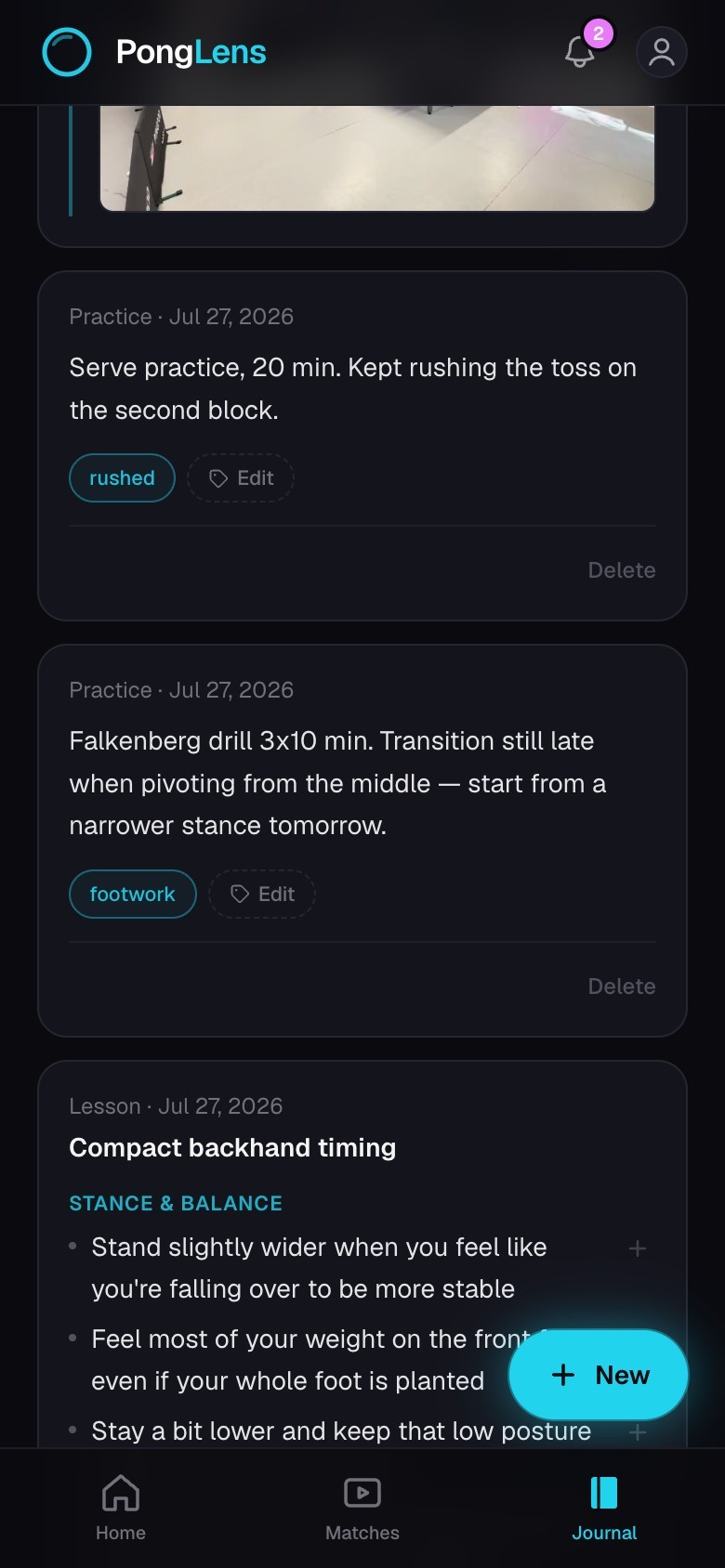
Save match notes, lessons, practice reflections, and current cues.
Quick steps
- 1Open Journal and choose New.
- 2Write, paste, or dictate an entry, then add a photo or scan pages from a paper notebook.
- 3Add tags and choose whether Improve with AI should prepare the notes.
- 4Review the original words and edit the prepared notes before saving.
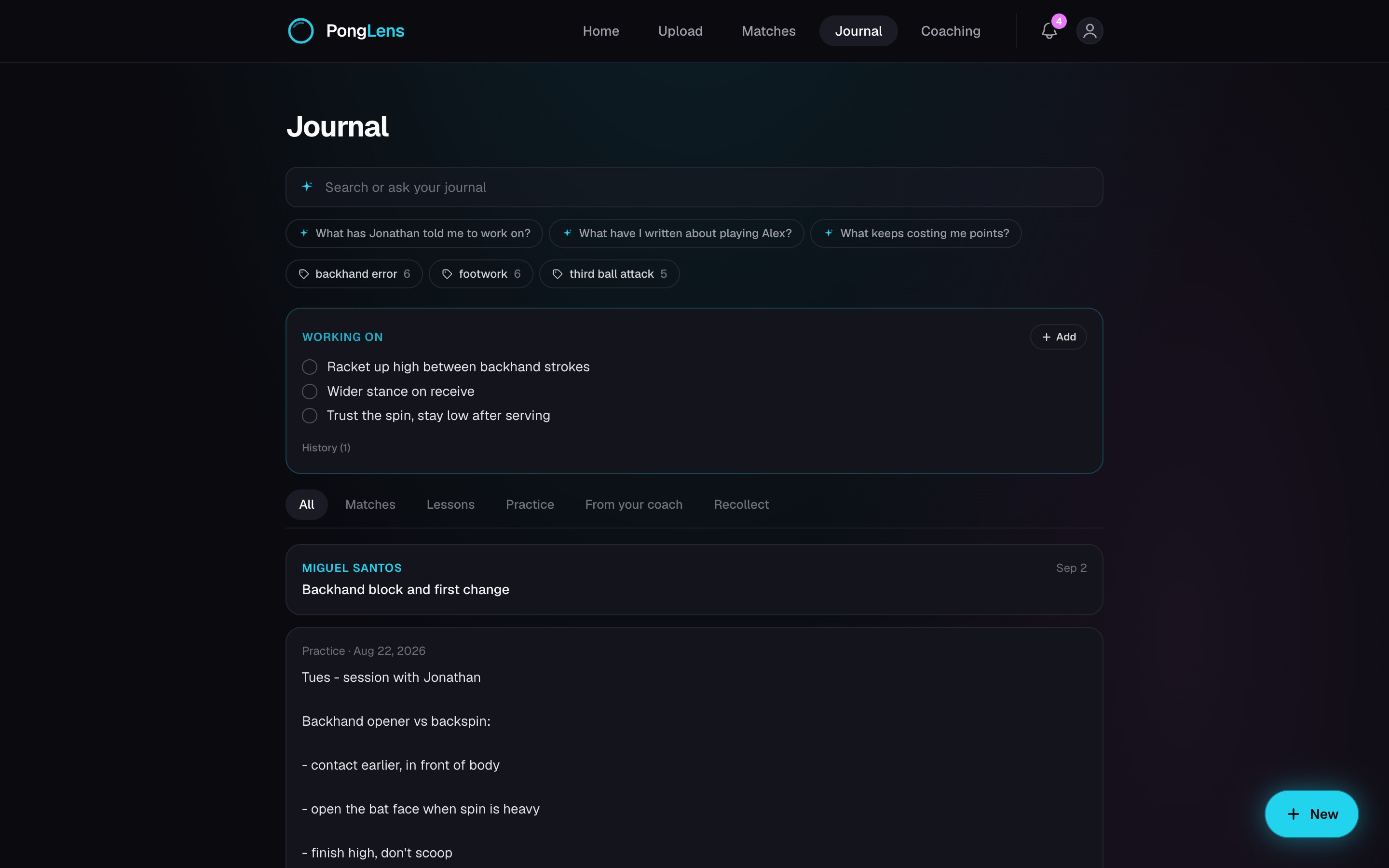
Bring every kind of note together
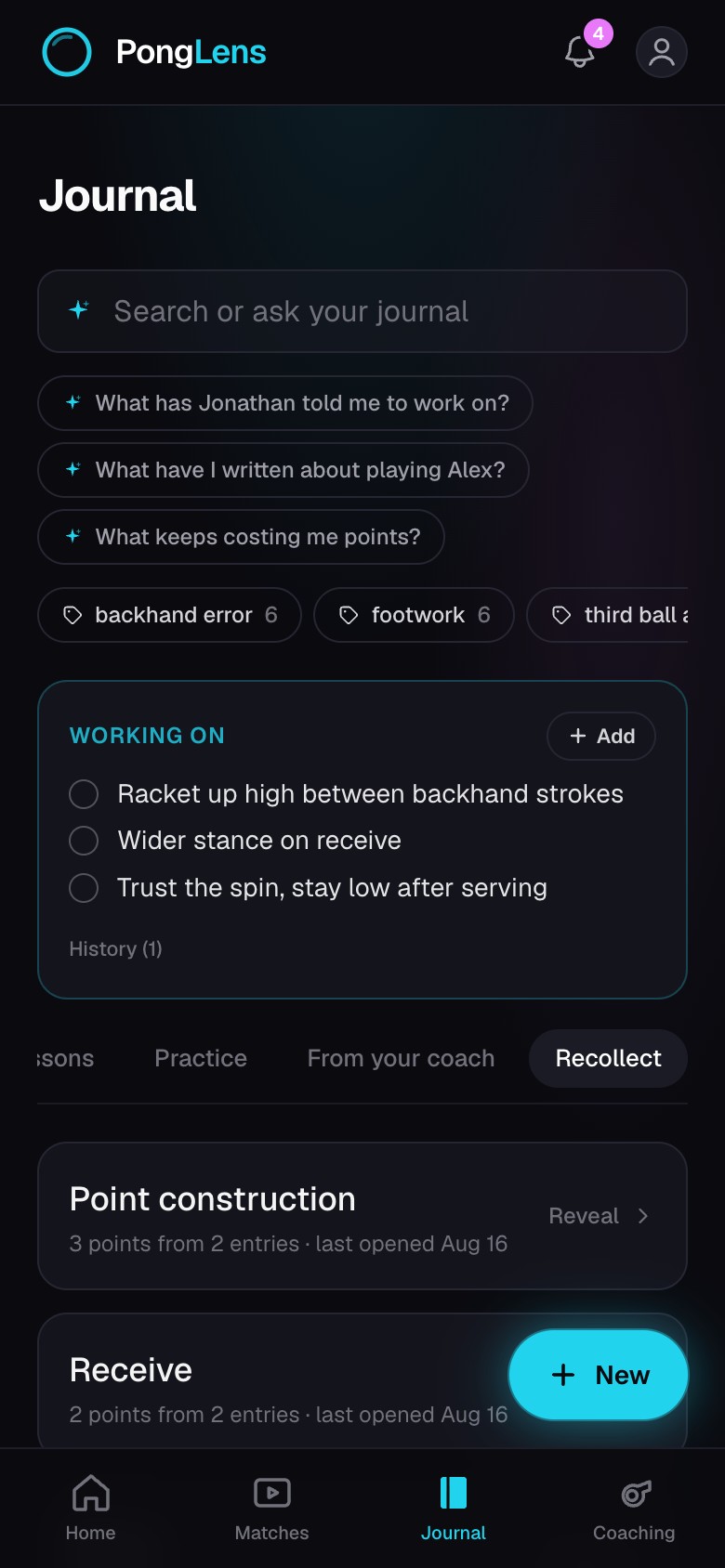
- Match and point notes appear beside your own practice and lesson entries.
- Entries a coach shares with you arrive in Journal and remain connected to the coach's copy.
- A public entry link lets someone read that one entry without opening the rest of your Journal.
- Photos and scanned notebook pages stay with the entry they came from.
Improve and revisit your notes
Improve with AI prepares rough notes as clear points while keeping the original text. You can correct the prepared notes directly afterwards.
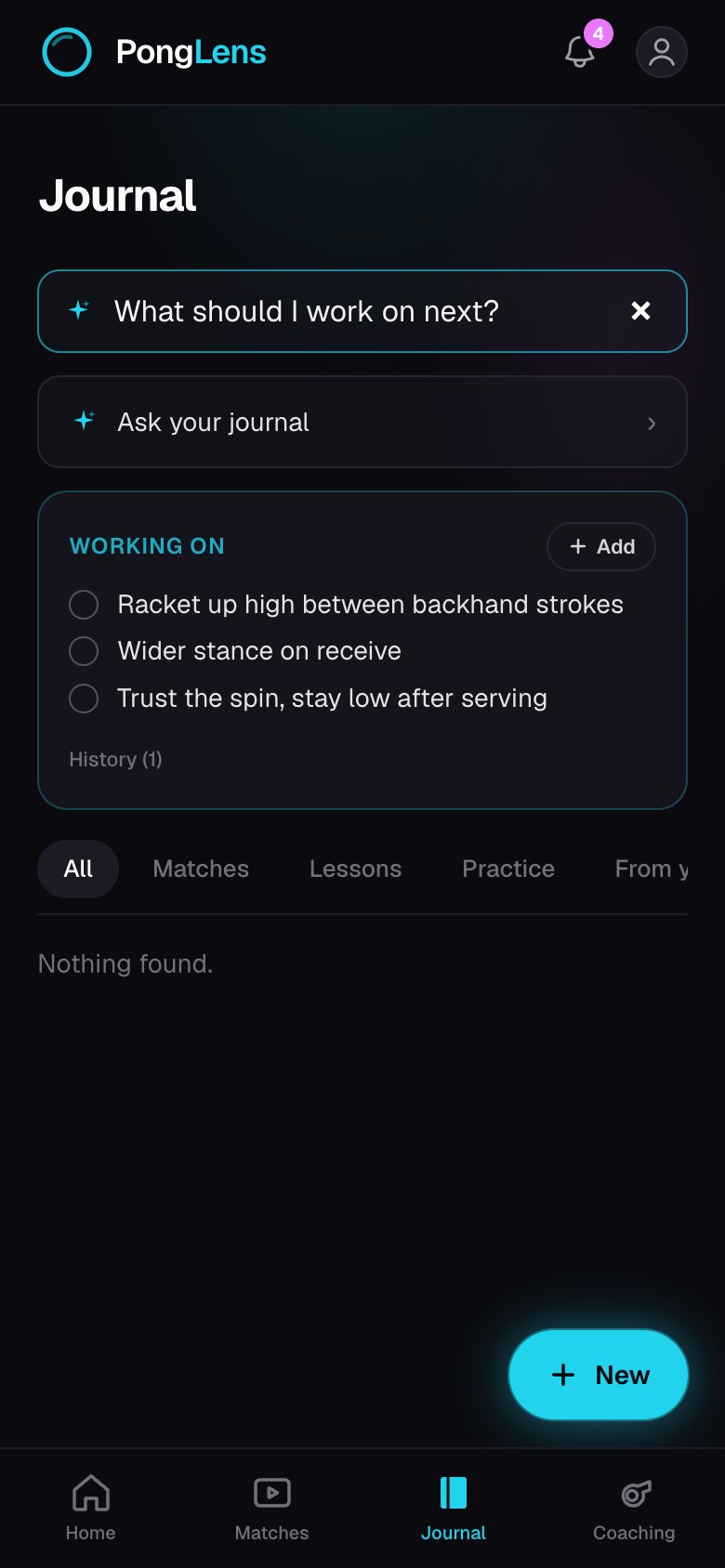
Ask your journal answers from your own entries and match record, and Search finds saved words.
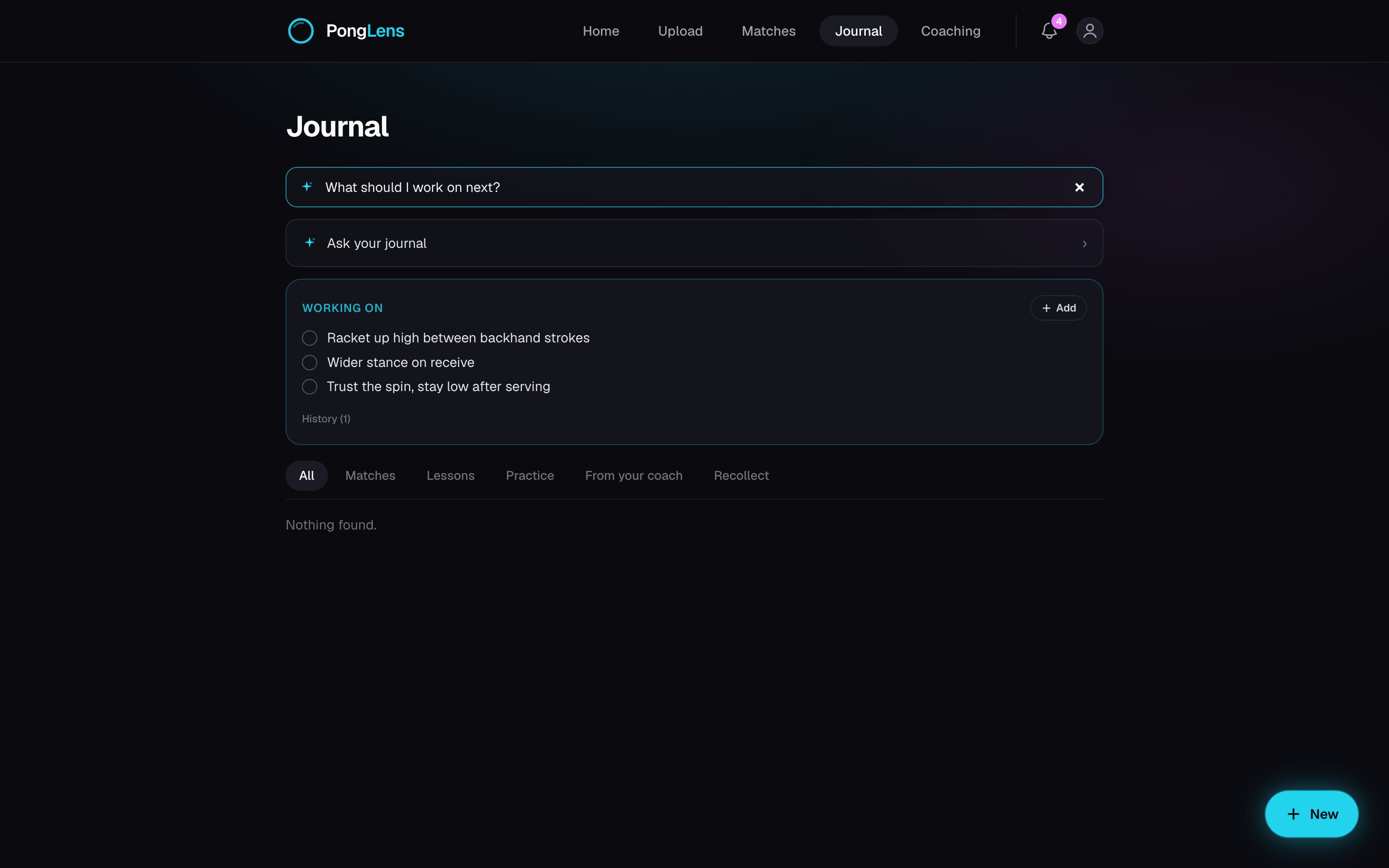
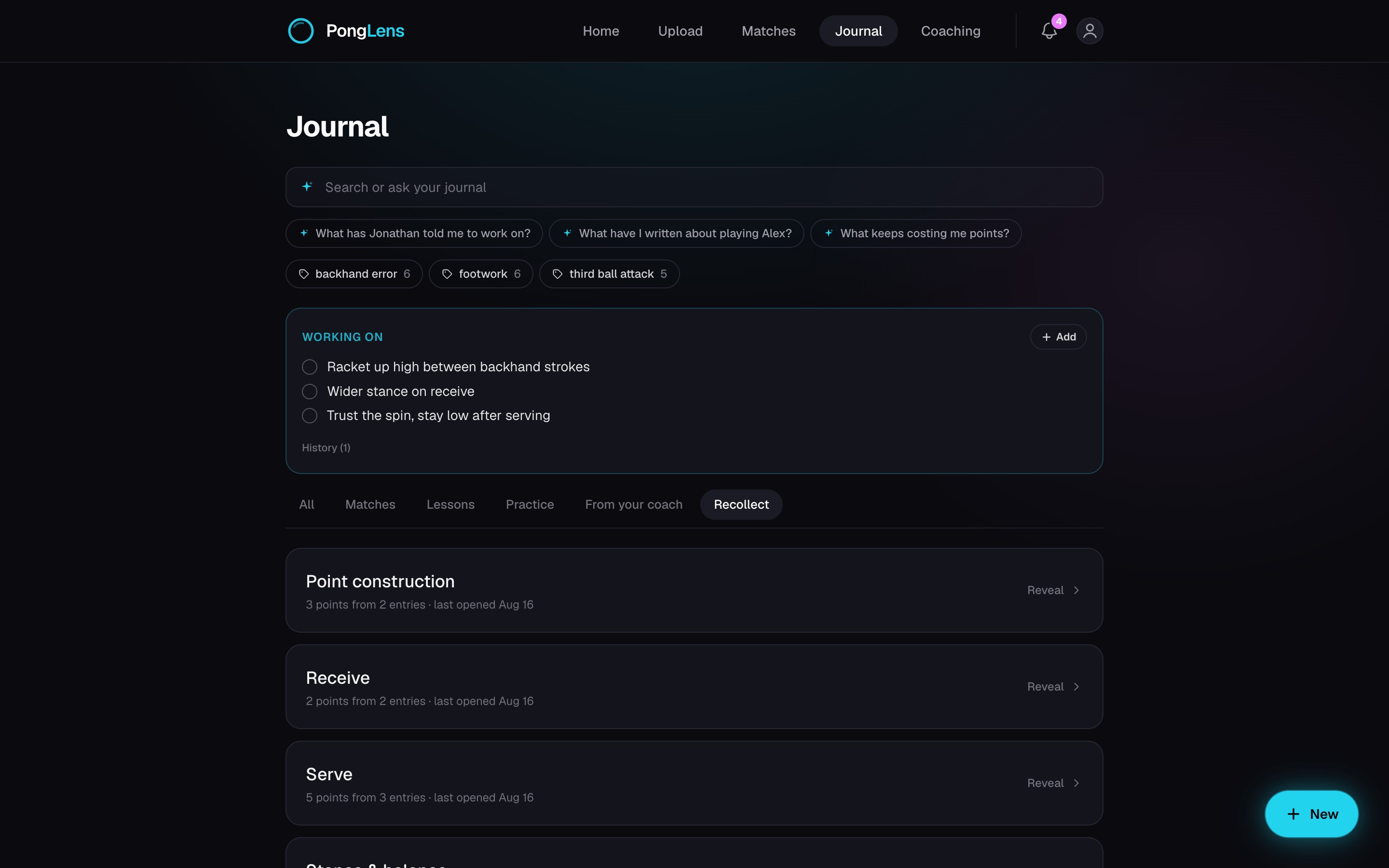
Keep what you're fixing in Working on
Add the things you want in view before training or a match. Tick one off when it becomes a habit; its history remains available if you need to restore it.
Keep going
Try it on your next match.
Every account starts with 100 free processing minutes and 25 GB of storage.
Upload your first match