Learn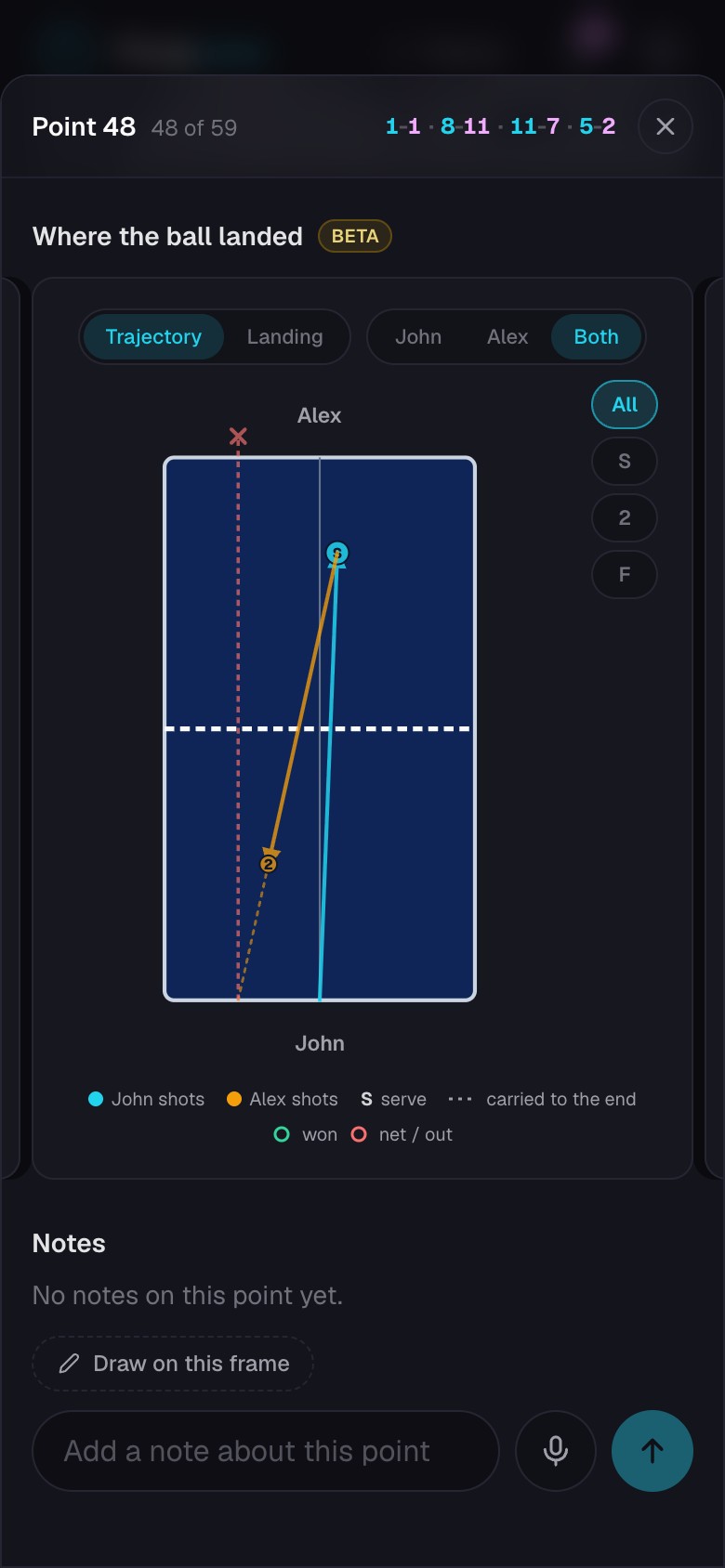
Leave feedback on a match
Put written, spoken, and drawn feedback beside the footage it explains.
Quick steps
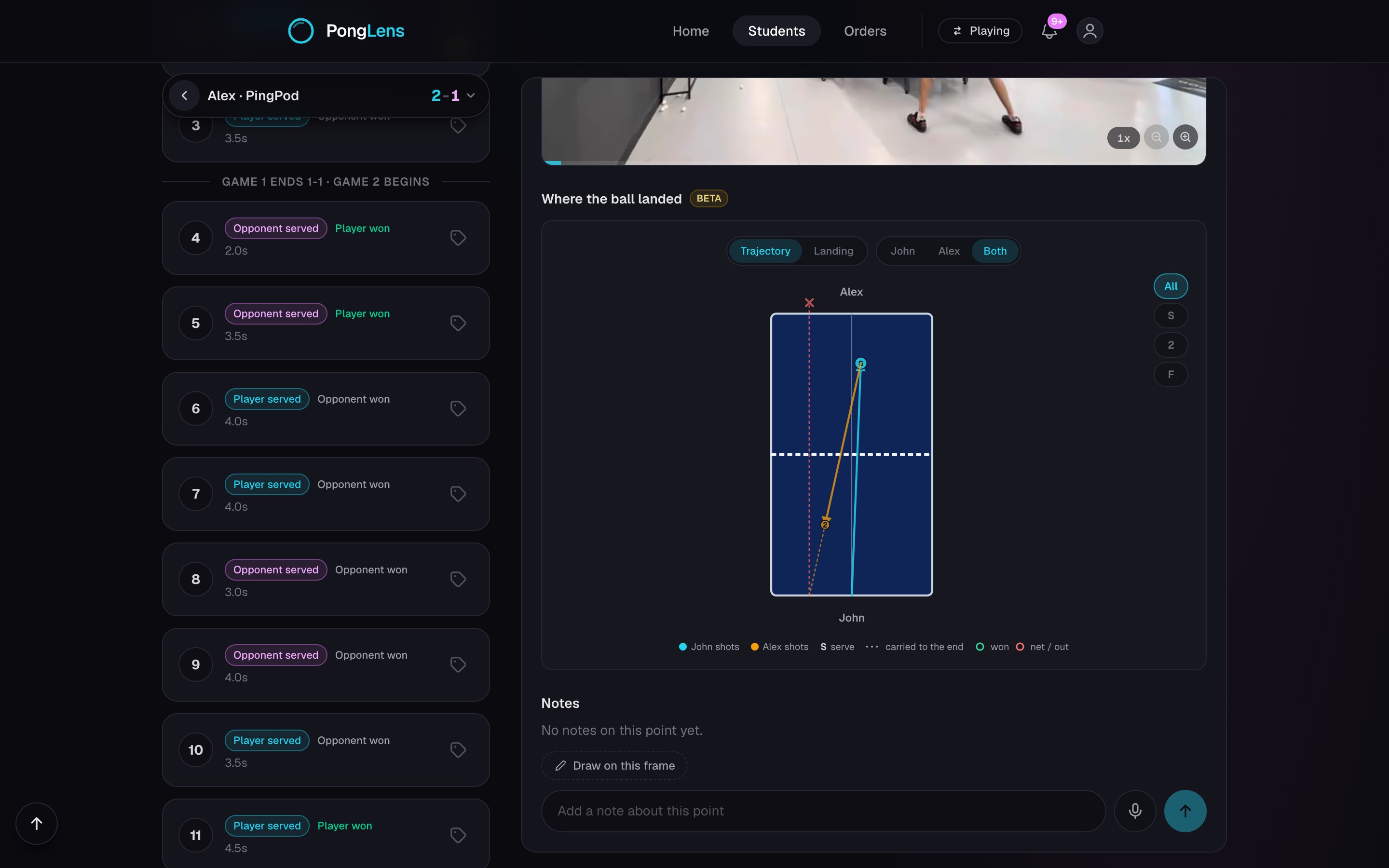
- 1Open the point that shows what you want to explain.
- 2Write a point note or record a spoken note on that rally.
- 3Pause on a useful frame and draw on it when the picture helps.
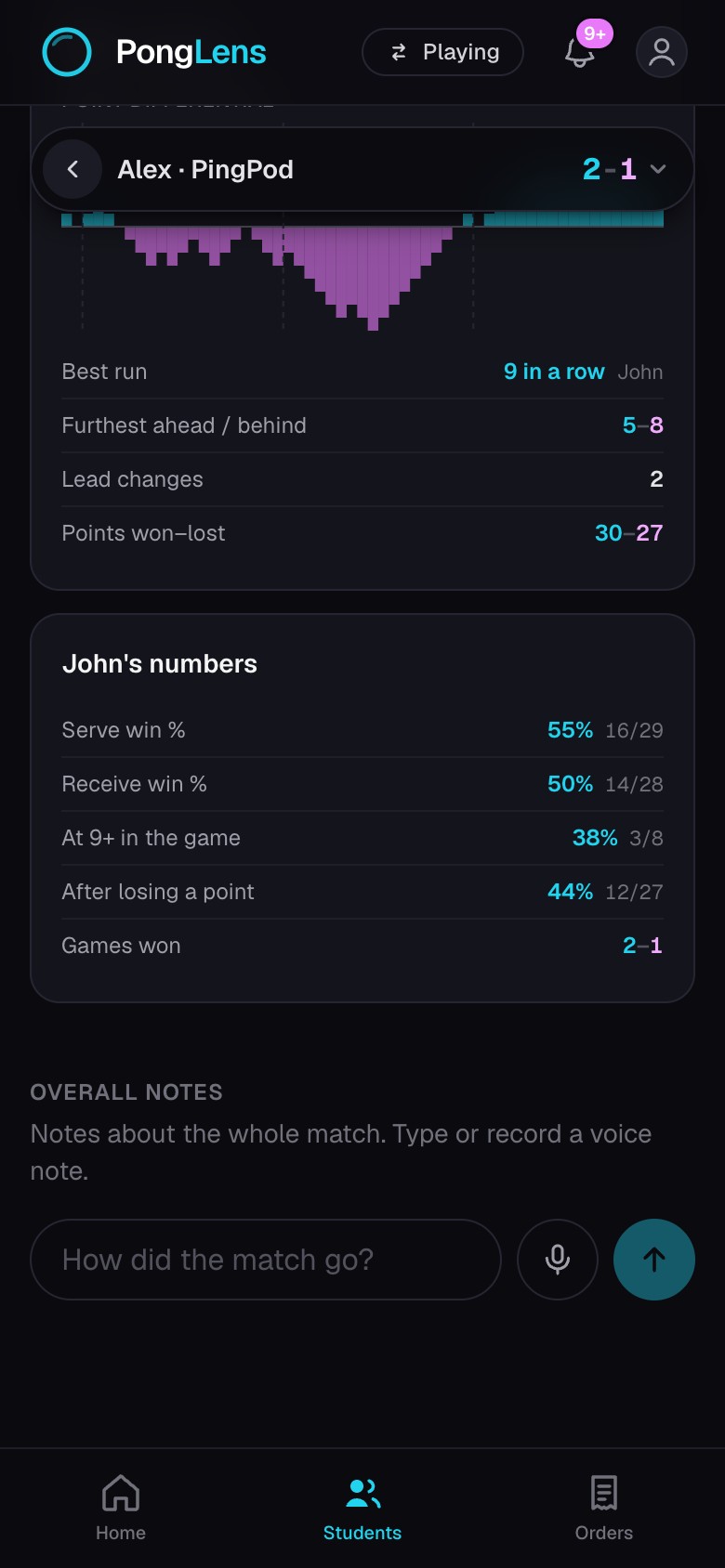
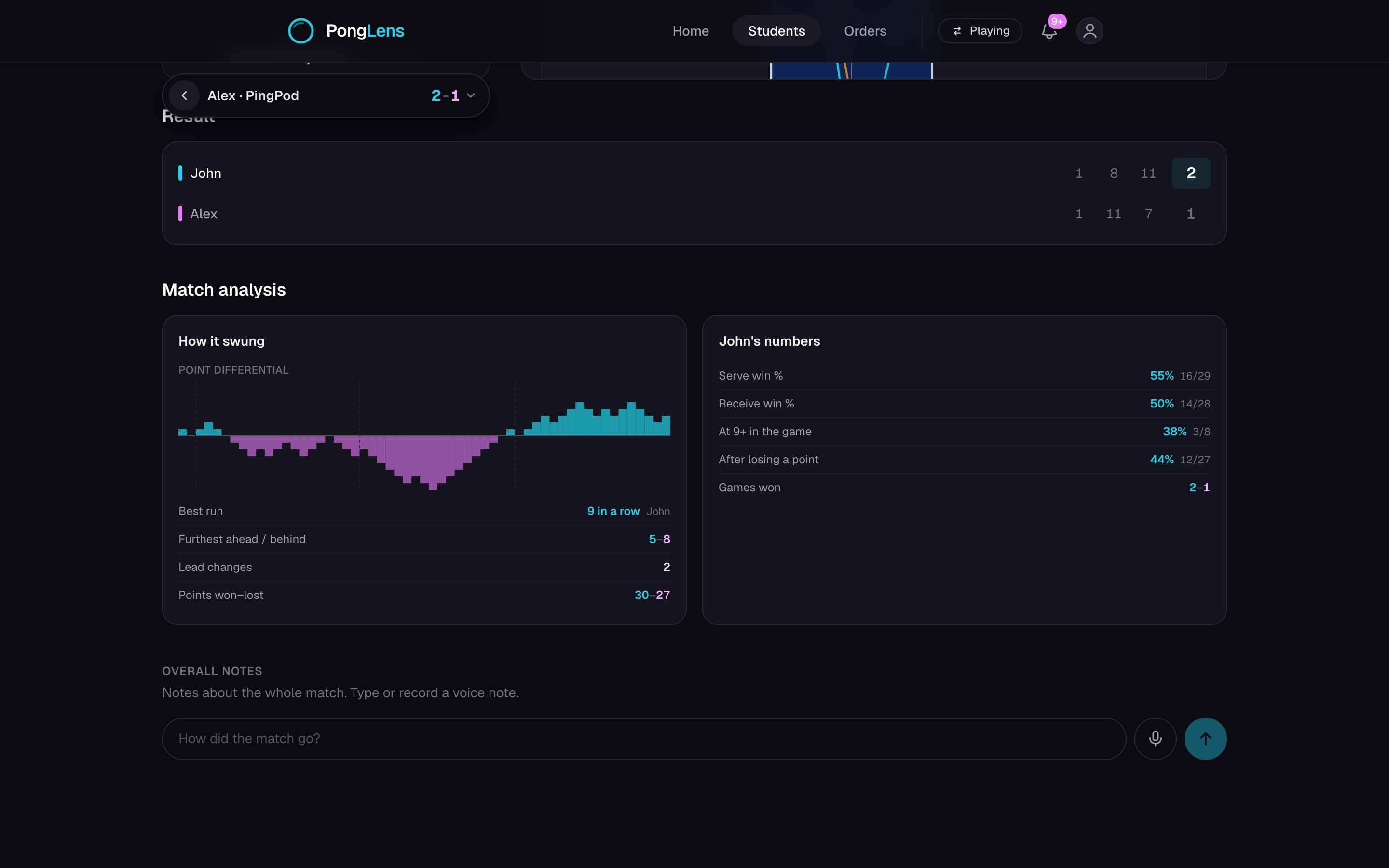
- 4Use Overall notes for feedback that applies across the match.
Keep feedback on the moment
A written or spoken point note stays tied to that rally. A drawing captures the paused frame and remains attached to the note, so the student can see the moment you meant.
Use Overall notes for larger themes
Overall notes are for ideas that span several points, such as serve selection or recovery position. The student receives your feedback with the match, and point notes and overall notes also reach their Journal.
Keep going
Try it on your next match.
Every account starts with 100 free processing minutes and 25 GB of storage.
Upload your first match