Learn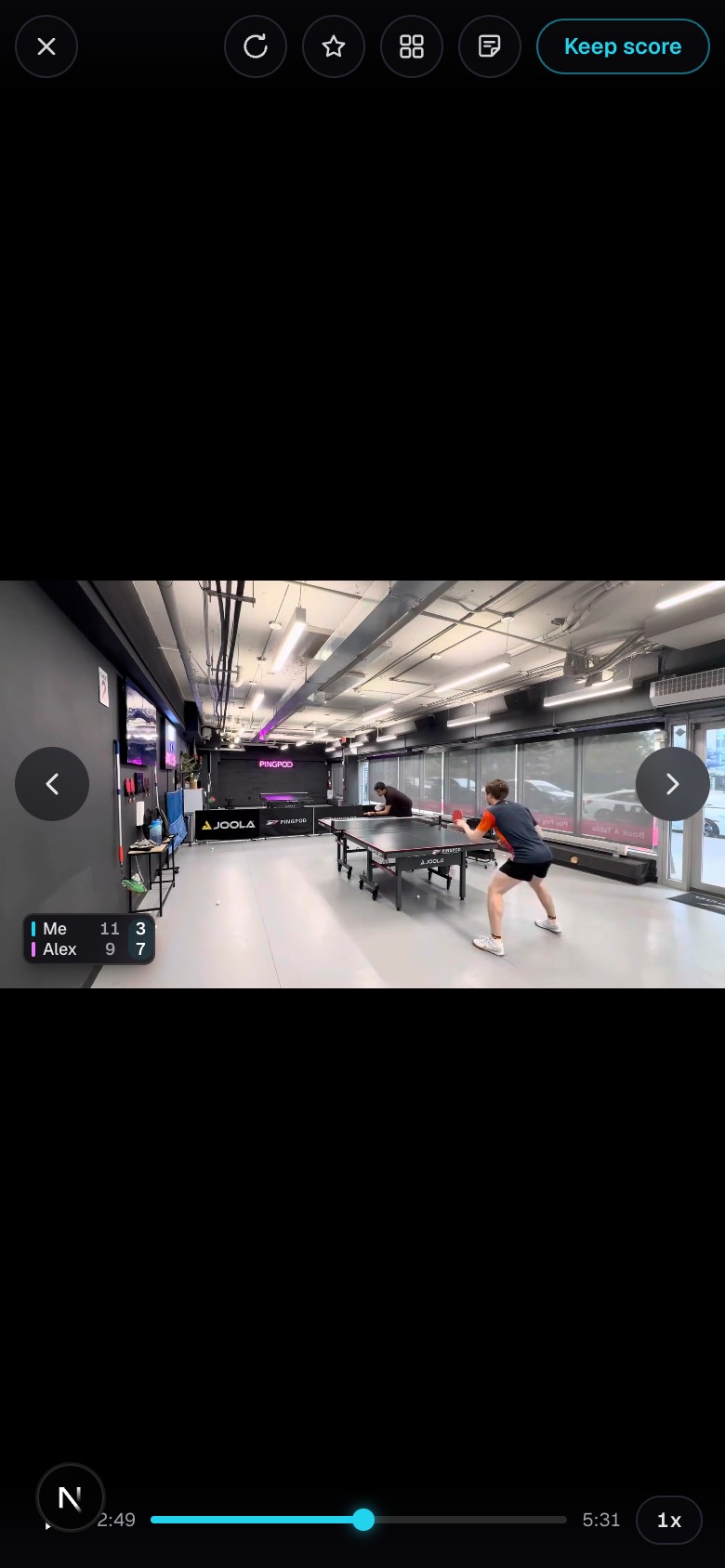
Watch the full match
Use the full-screen player, jump between points, and change speed.
Quick steps
- 1Open a match and choose Full video.
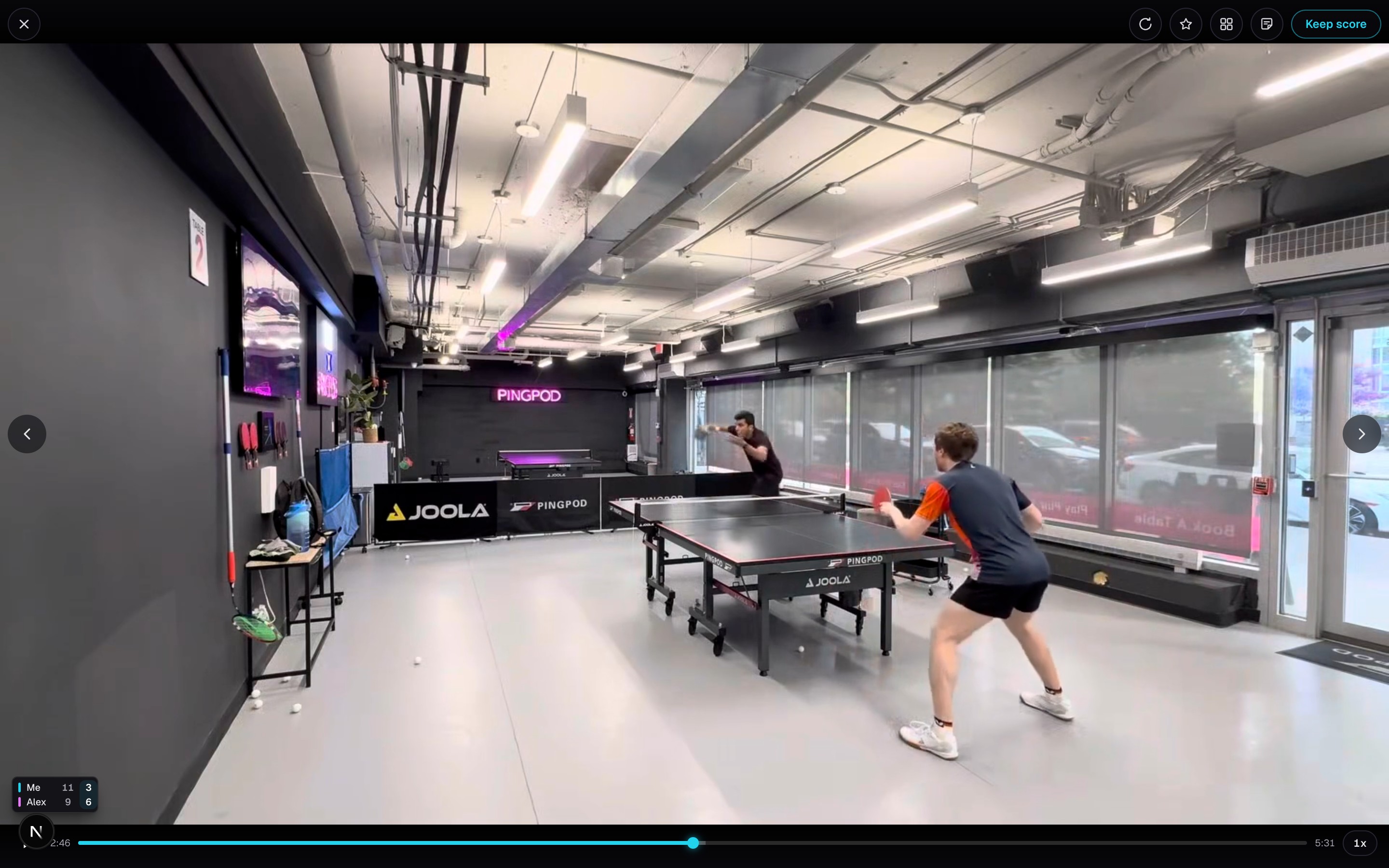
- 2Tap or click the video to pause, then use the timeline or point grid to move through the match.
- 3Use the left and right controls to move one point at a time.
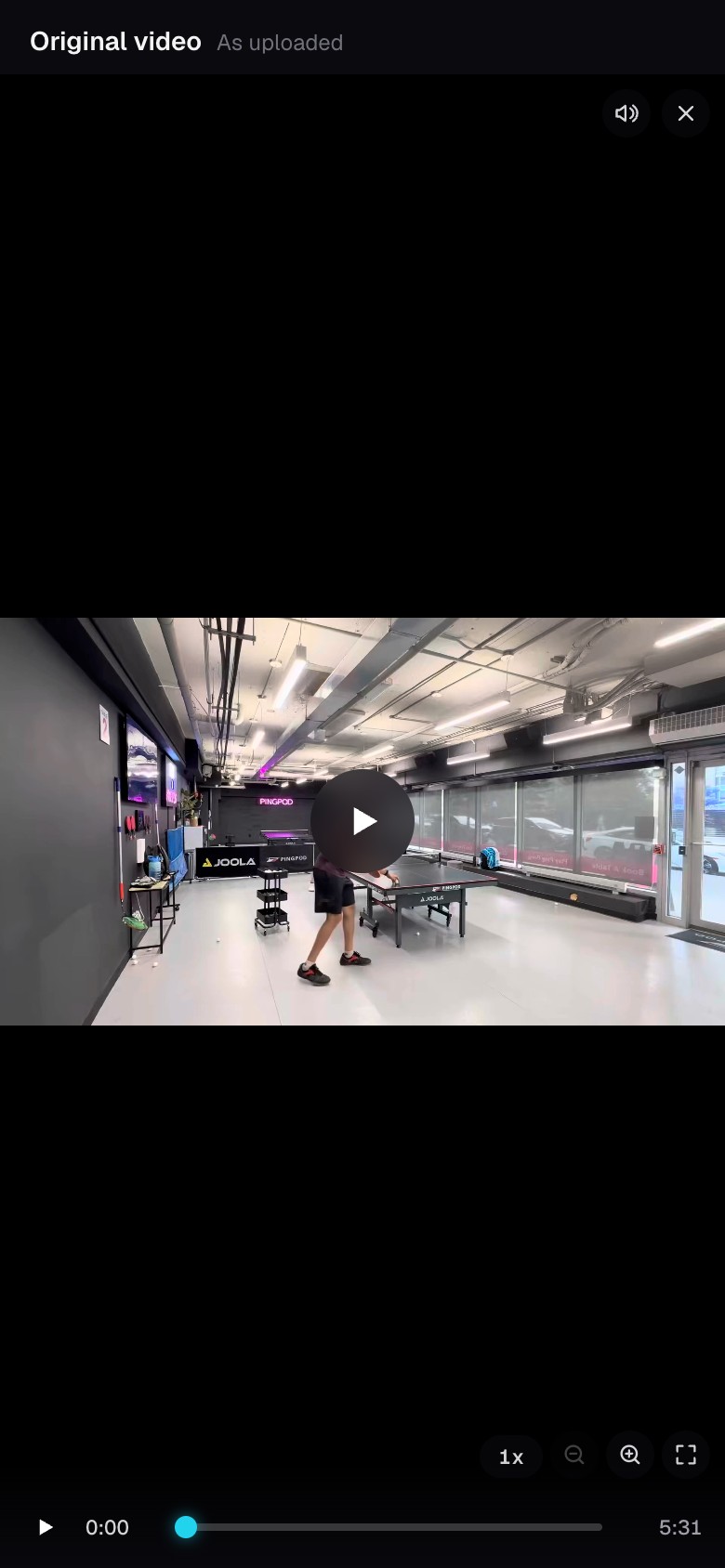
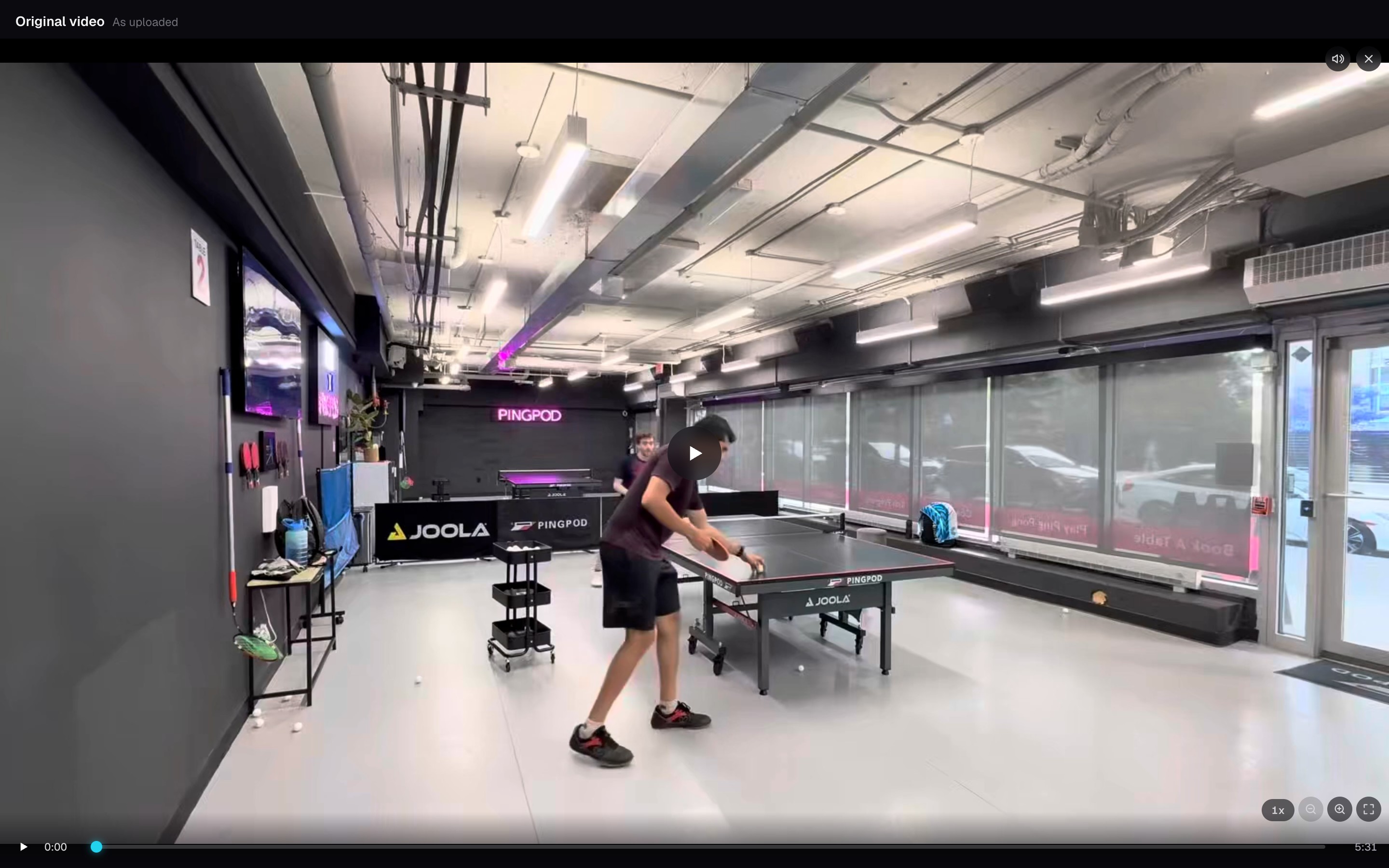
- 4Open Original when you want to watch the upload exactly as you sent it.
Faster ways to review
- Double-tap the right side to go to the next point and the left side to go back.
- Double-tap the middle to replay the point you are on.
- Hold the right side for double speed and the left side for quarter speed.
- Pinch to zoom, then drag to move around the frame.
Review without closing the player
- Open the point grid to jump directly to another rally.
- Star the current point, share it, or leave a note from the player.
- Choose Original if the cut left out footage or you want to see the breaks between rallies.
More options
- 1Open More options, the last row in the match's Tools.
- 2Under Process again, choose Automatically or Mark the points yourself to break the match into points again. Automatically is not available for practice or drills yet.
- 3Choose Replace this match or Keep this match and add a new one. Automatically asks before it starts; marking by hand asks when you finish.
- 4Choose Report a problem when rallies are missing or cut at the wrong time. It is a private review: describe what went wrong, or ask us to try processing again or return the minutes.
The match stays as it is while the new cut is prepared. Replacing an automatic cut deletes the points, scores and point notes; replacing by hand keeps each point's score but deletes its point notes. Match notes always stay. Keeping adds the new cut as a separate match and leaves this one untouched.
Ideas and bugs go to the feedback row, just above More options.
Keep going
Try it on your next match.
Every account starts with 100 free processing minutes and 25 GB of storage.
Upload your first match