Learn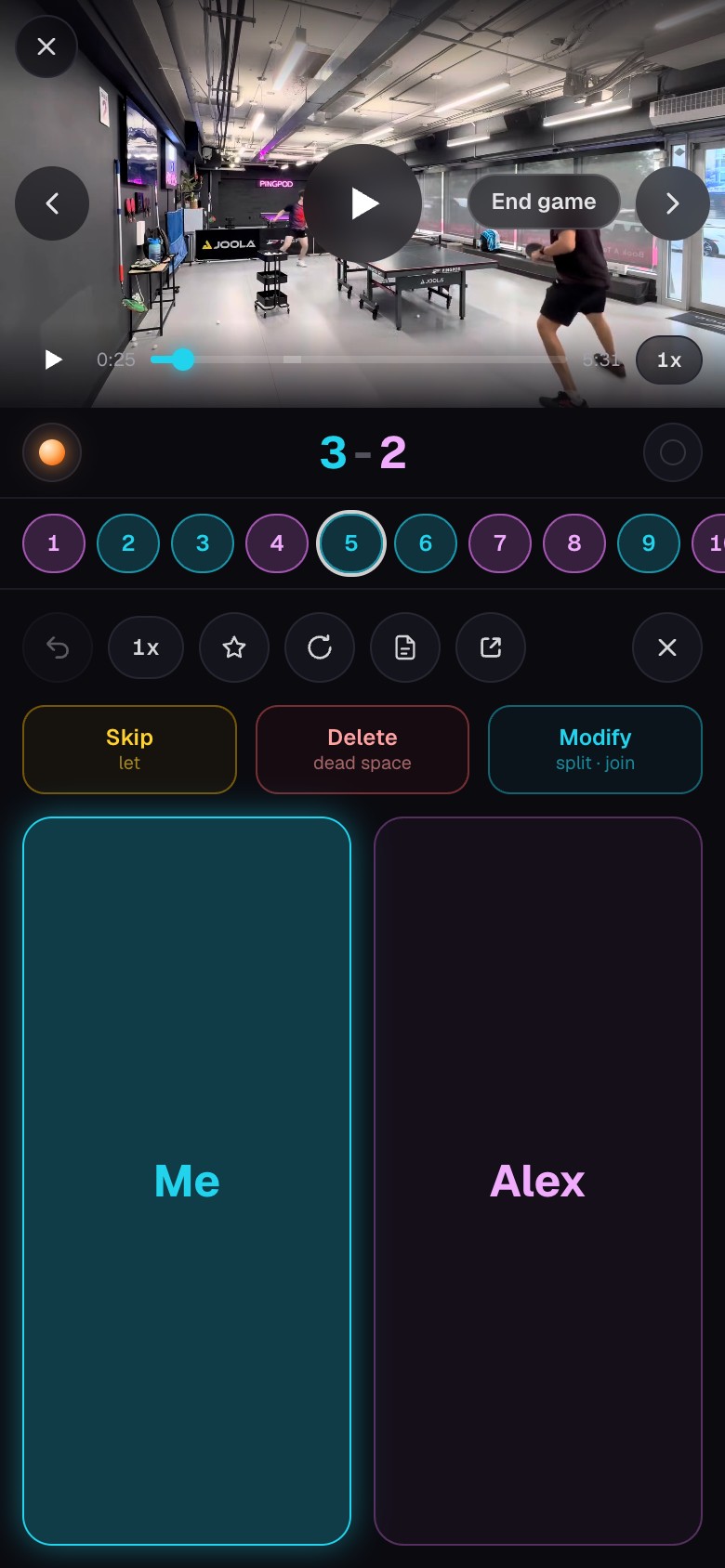
Score the match
Score the match in one pass and correct cuts or game boundaries as you go.
Quick steps
- 1Open a match, go to Tools, and choose Score the Match.
- 2Confirm the player names and first server when asked.
- 3Watch each rally, then choose the player who won it.
- 4Review unresolved points at the end and choose Done.
Follow the score and server
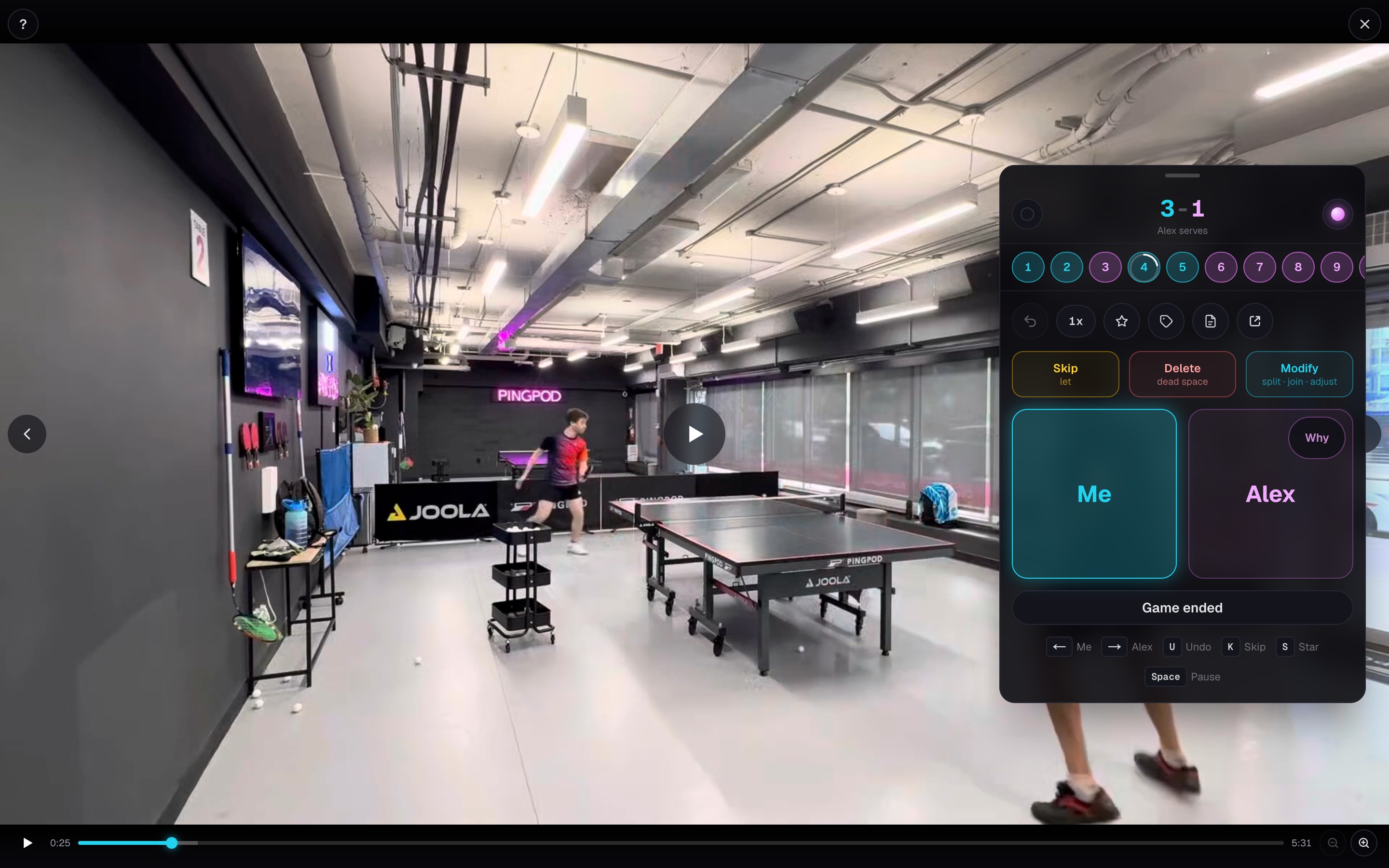
Score the Match plays one point at a time and waits for your answer. The lit ball shows who is serving; change it when the rotation needs correcting.
A divider marks each game. Choose Game didn't end when a divider is wrong, or Game ended on the real final point when the automatic score missed the boundary.
Use the correction controls
- Undo reverses the most recent scoring or editing action.
- Replay shows the current rally again, while Skip resolves a let that should not count.
- Remove clears warm-up or dead space.
- Modify lets you adjust, split, or join clips that contain the wrong footage.
- Analysis, Note, Tag, and Star add detail without leaving the scoring flow.
Keep going
Watch the full match
Use the full-screen player, jump between points, and change speed.
Score and review individual points
Record the result, add useful detail, and correct the point clips.
How to analyze a table tennis match
Review your table tennis match video, compare serve and receive results, and use placement maps to choose what to practice.
Try it on your next match.
Every account starts with 100 free processing minutes and 25 GB of storage.
Upload your first match