Learn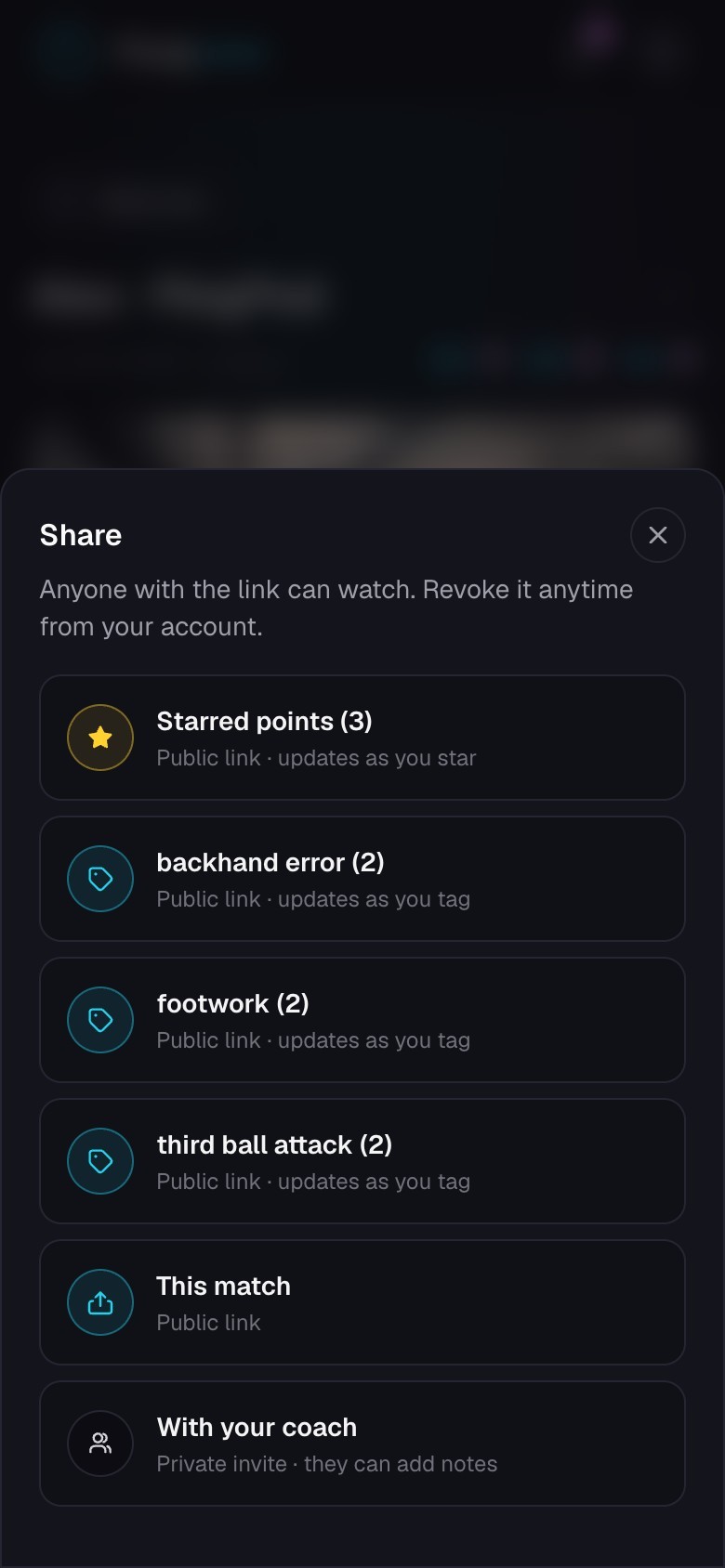
Share a public link
Let anyone with the link watch a match, point, or collection.
Quick steps
- 1Open a match, go to Tools, and choose Share.
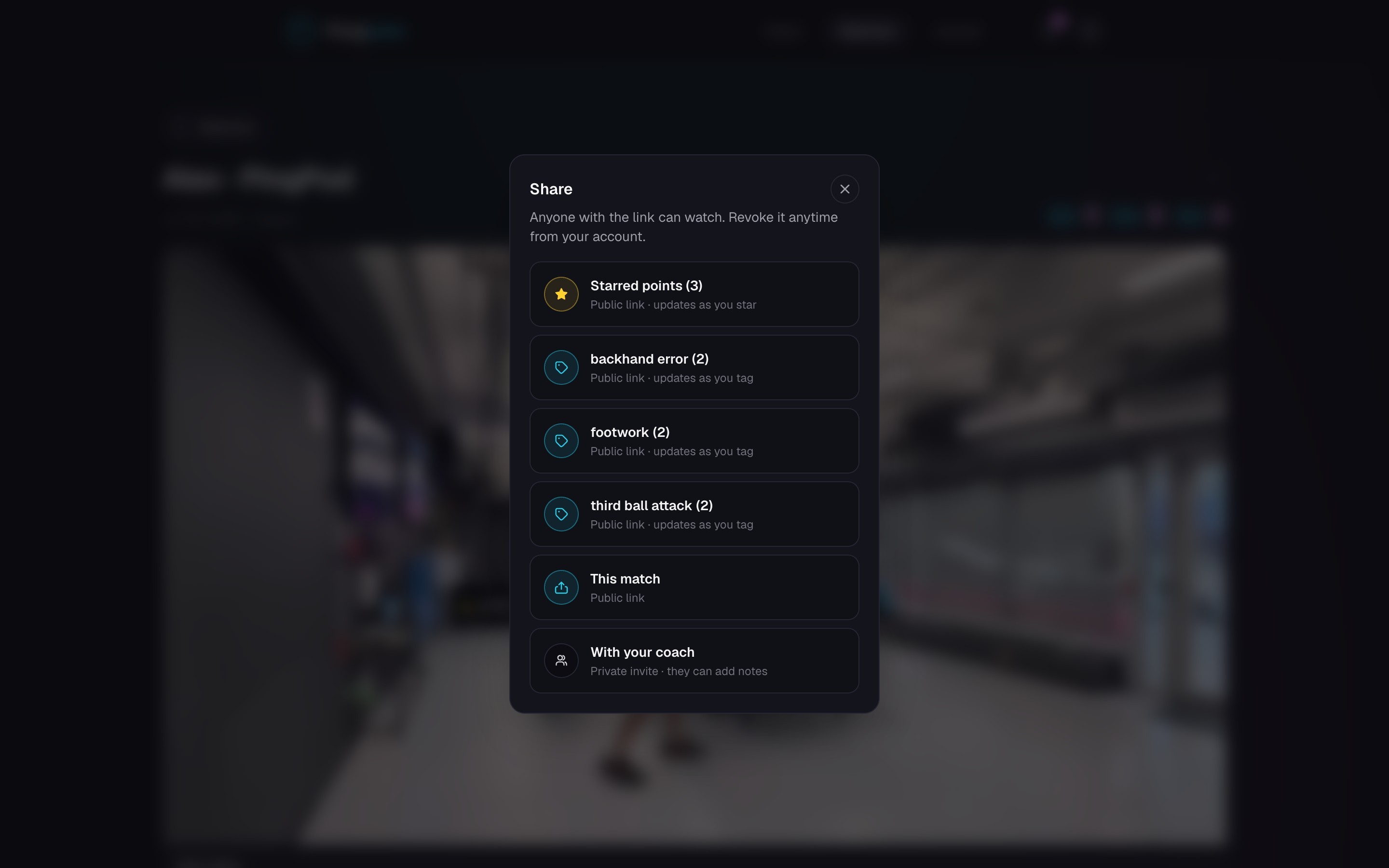
- 2Choose This match, Starred points, or one of the listed tags.
- 3Enter a clear title for the link, or keep the suggested title.
- 4Choose Share, then copy the link, use your device’s share menu, or show the QR code.
- 5To share one point, open that point and choose Share.
Choose what the link shows
- This match shows the full cut video.
- This point shows only the point you opened.
- Starred points shows the current starred collection.
- A tag link shows the points with that tag in the current match.
Good to know Starred and tag links stay live. If you later add or remove a star or tag in the same match, people opening the link see the updated collection.
Know who can open it
A public link does not require a PongLens account. Anyone who receives it can watch, and someone can forward it to another person.
Use a coach invite instead when access should be tied to one coach’s account.
Copy or revoke old links
Open Account and find Public links. Choose Manage to copy or revoke one link. Choose Revoke all when you need to disable every active public link.
Keep going
Try it on your next match.
Every account starts with 100 free processing minutes and 25 GB of storage.
Upload your first match