Learn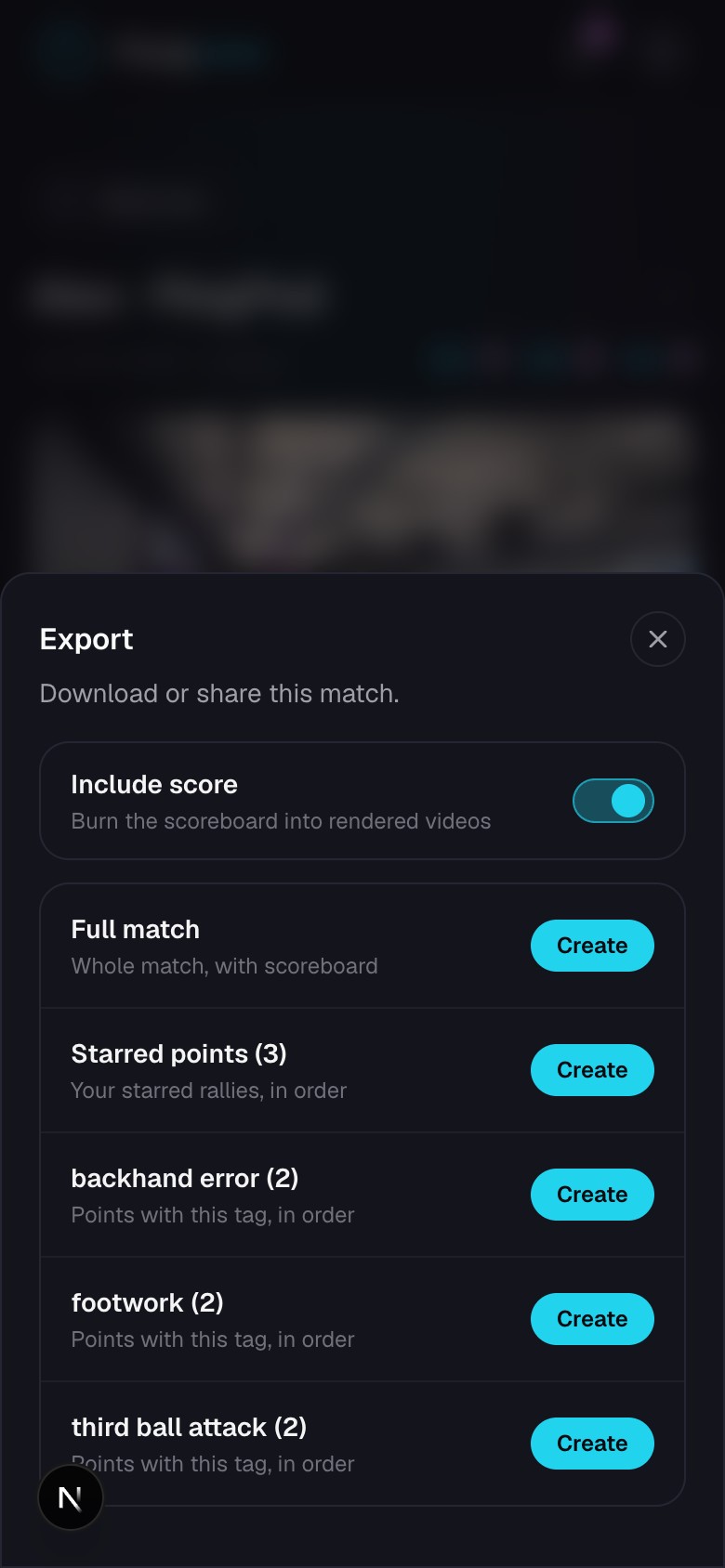
Export and download video
Save highlights, the cut match, selected rallies, or the original upload.
Quick steps
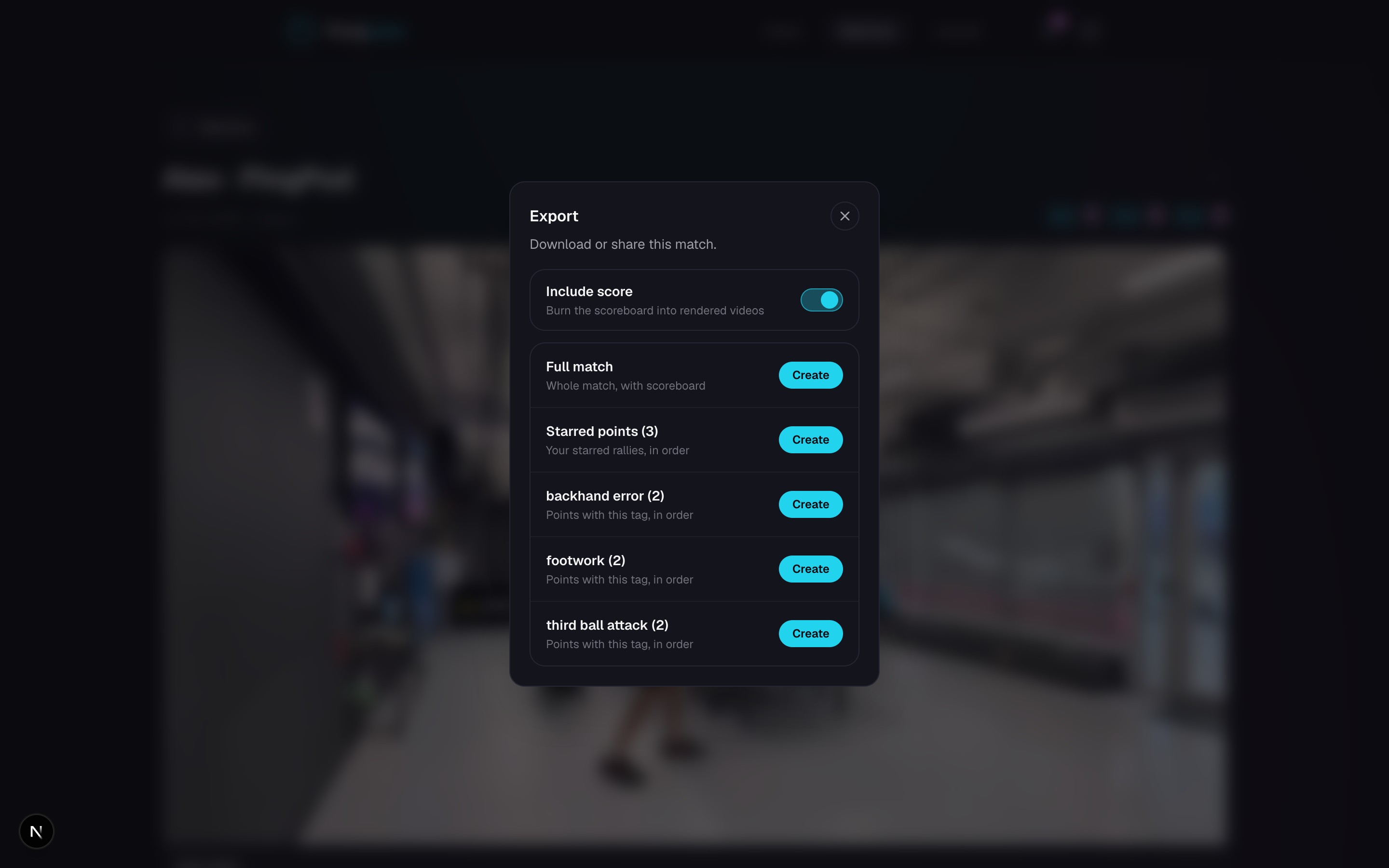
- 1Open a match, go to Tools, and choose Export.
- 2Choose the full cut match, starred points, a tag collection, or the original video.
- 3Turn on Include score when you want a running scoreboard in the rendered video.
- 4Create the export when rendering is needed, then download or share it when it is ready.
Choose the right video
- Highlights are the automatic short and long edits PongLens makes from the best rallies.
- Starred points and tagged exports use the rallies you selected yourself.
- Cut match is the cut video with the time between rallies removed.
- Original video is the upload exactly as you sent it.
Rendering and availability
A scoreboard, starred collection, or tag collection may need time to render. You can leave and return after PongLens says it is ready.
The original upload remains available from the match while you keep that match in your library.
Keep going
Try it on your next match.
Every account starts with 100 free processing minutes and 25 GB of storage.
Upload your first match