Learn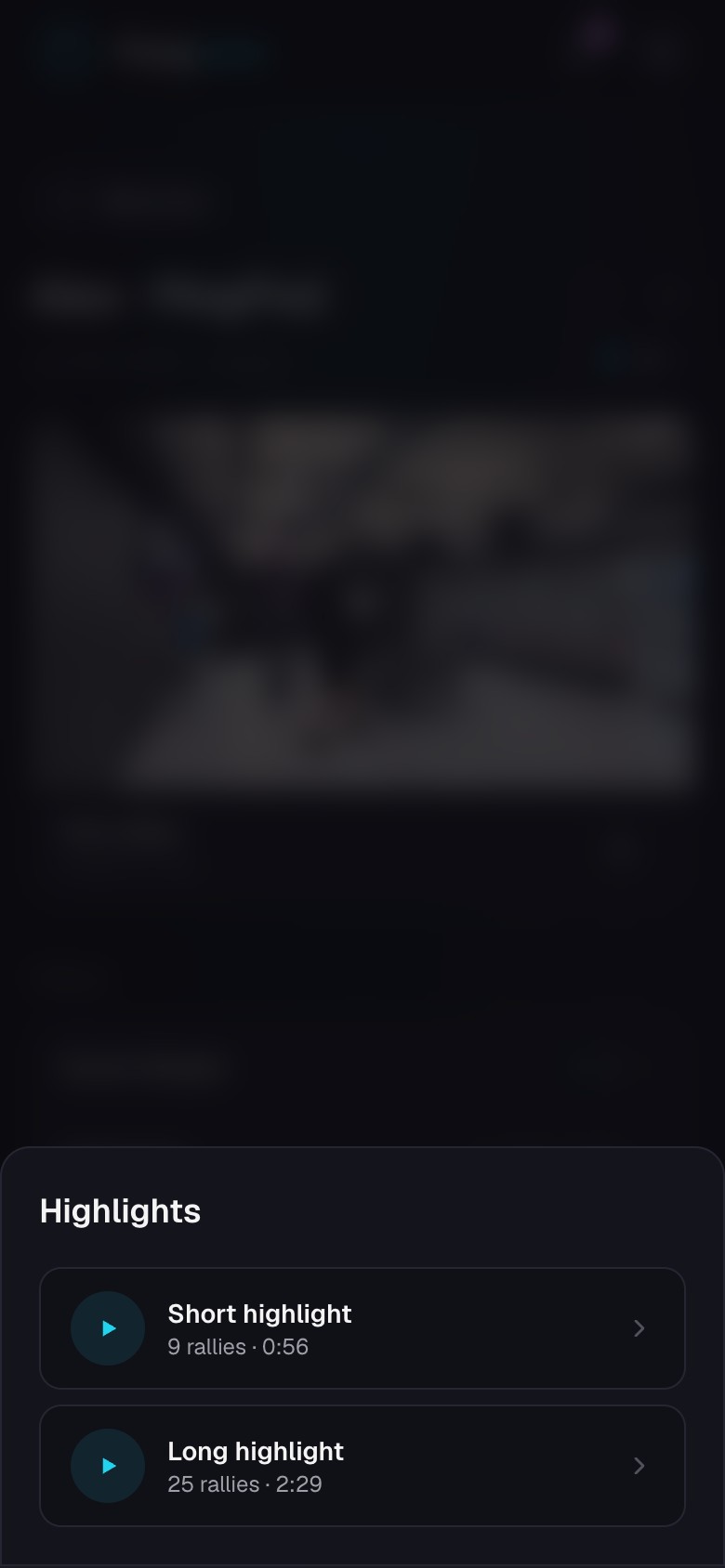
Create and share highlights
Watch, download, and share automatic or hand-picked rally collections.
Quick steps
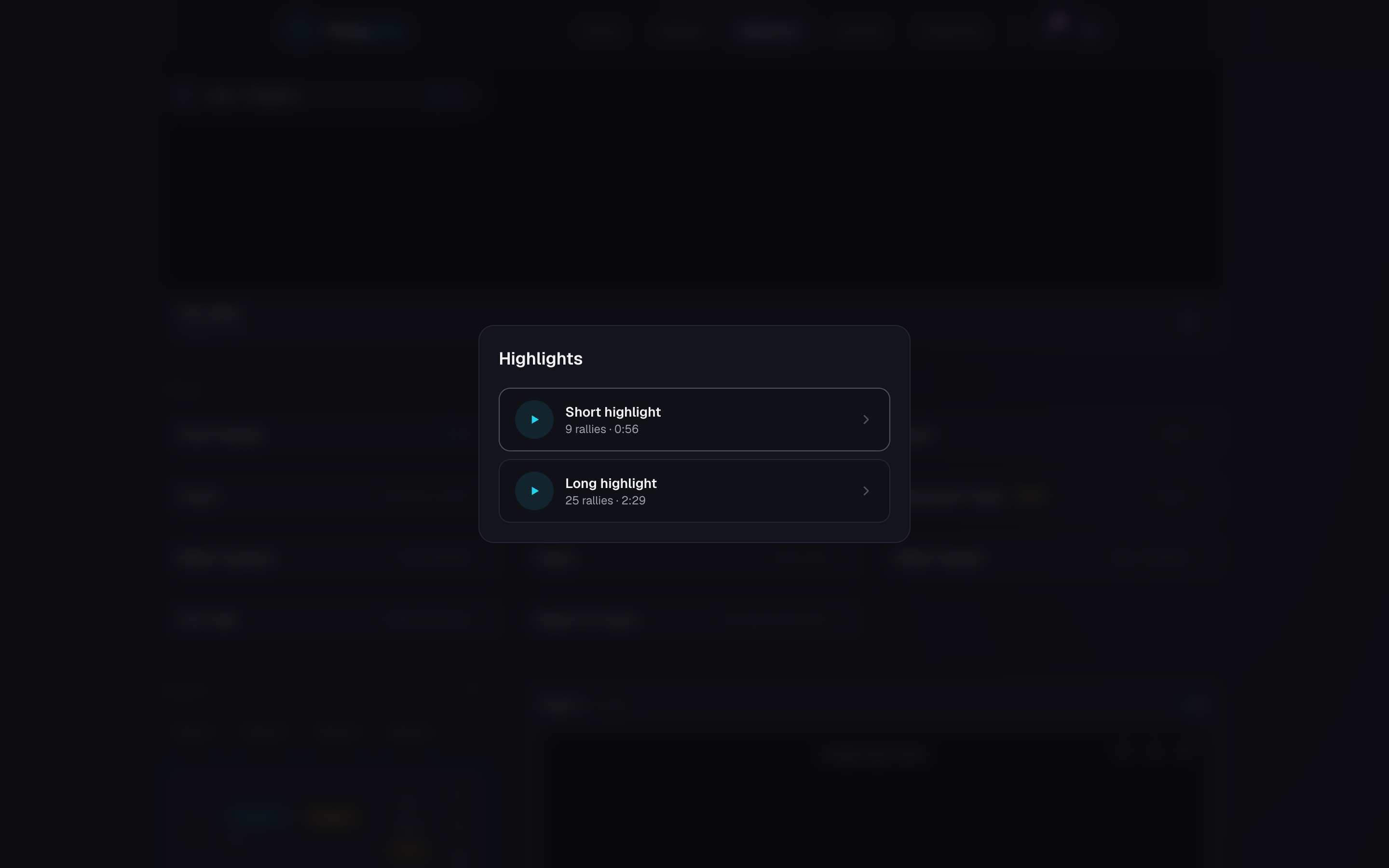
- 1Open the match and choose Highlights in Tools. PongLens makes the highlight once the match is processed, so you don't need to score it first.
- 2If no highlight is there yet, choose Generate highlights.
- 3Watch the highlight when it is ready, then download or share it.
- 4Star individual rallies to collect them on the Starred page across matches.
Automatic and starred highlights
PongLens makes one highlight from the best rallies in the match, never more than a minute and a half. Watch it before downloading or sharing it.
Stars are your own selection. The Starred page keeps them from every match, and you can pick a set from several matches to share as one link or one video.
Keep going
Try it on your next match.
Every account starts with 100 free processing minutes and 25 GB of storage.
Upload your first match