Learn
Score and review individual points
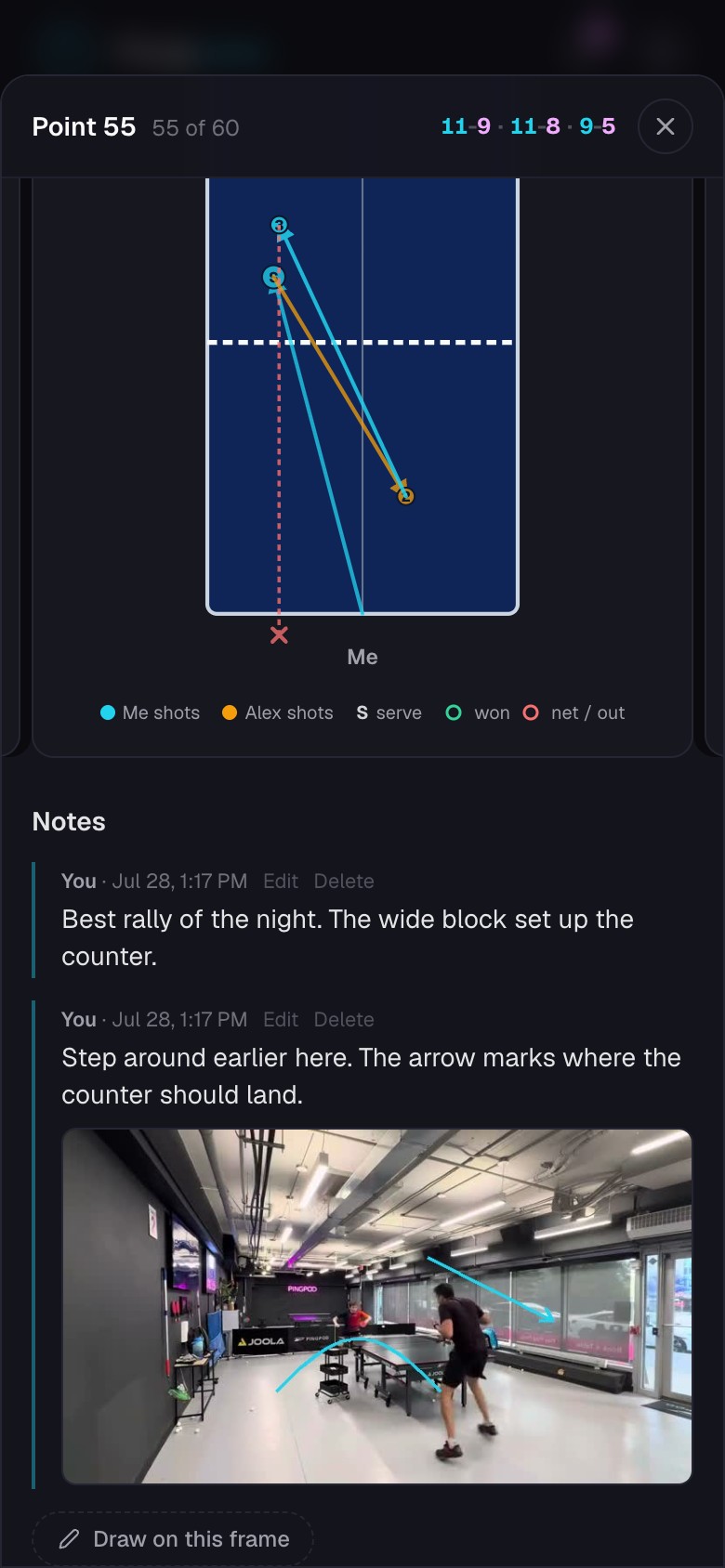
Record the result, add useful detail, and correct the point clips.
Quick steps
- 1Open a match and choose a rally from Points.
- 2Confirm who served, then choose who won the point.
- 3Open Analysis when you want to record how the point ended, the serve, placement, or why you lost.
- 4Add a note, tag, star, or drawing when the rally is worth revisiting.
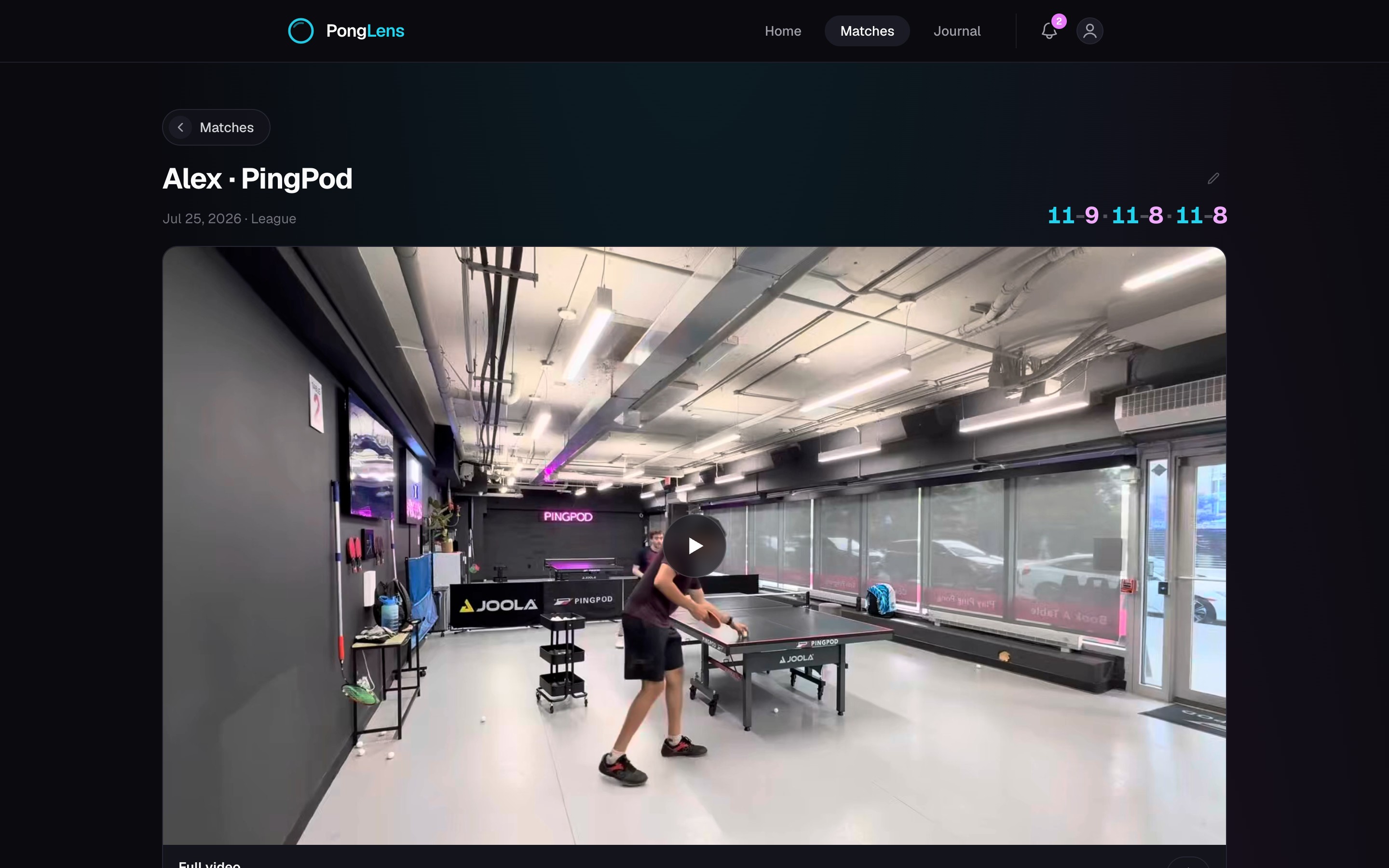
Scoring can be one tap
Once the first server is set, PongLens follows the serve rotation. Choosing a winner is enough to build the score; the Analysis answers fill the deeper match views and statistics.
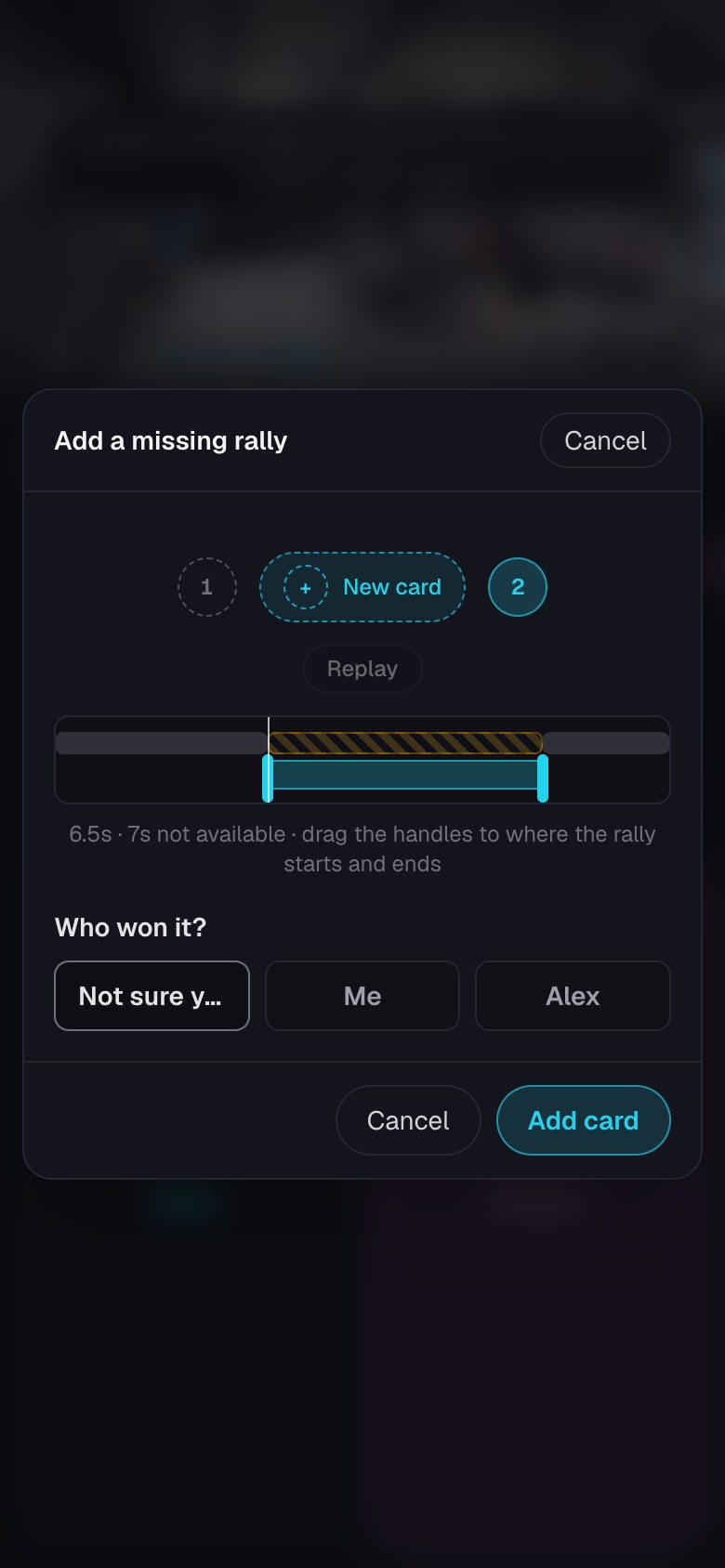
Fix the footage for a point
- Adjust the start or end when a rally begins too early or finishes too late.
- Split a clip when two rallies were joined together.
- Join neighboring clips when one rally was cut into separate pieces.
- Remove warm-up, dead space, or footage that is not a point.
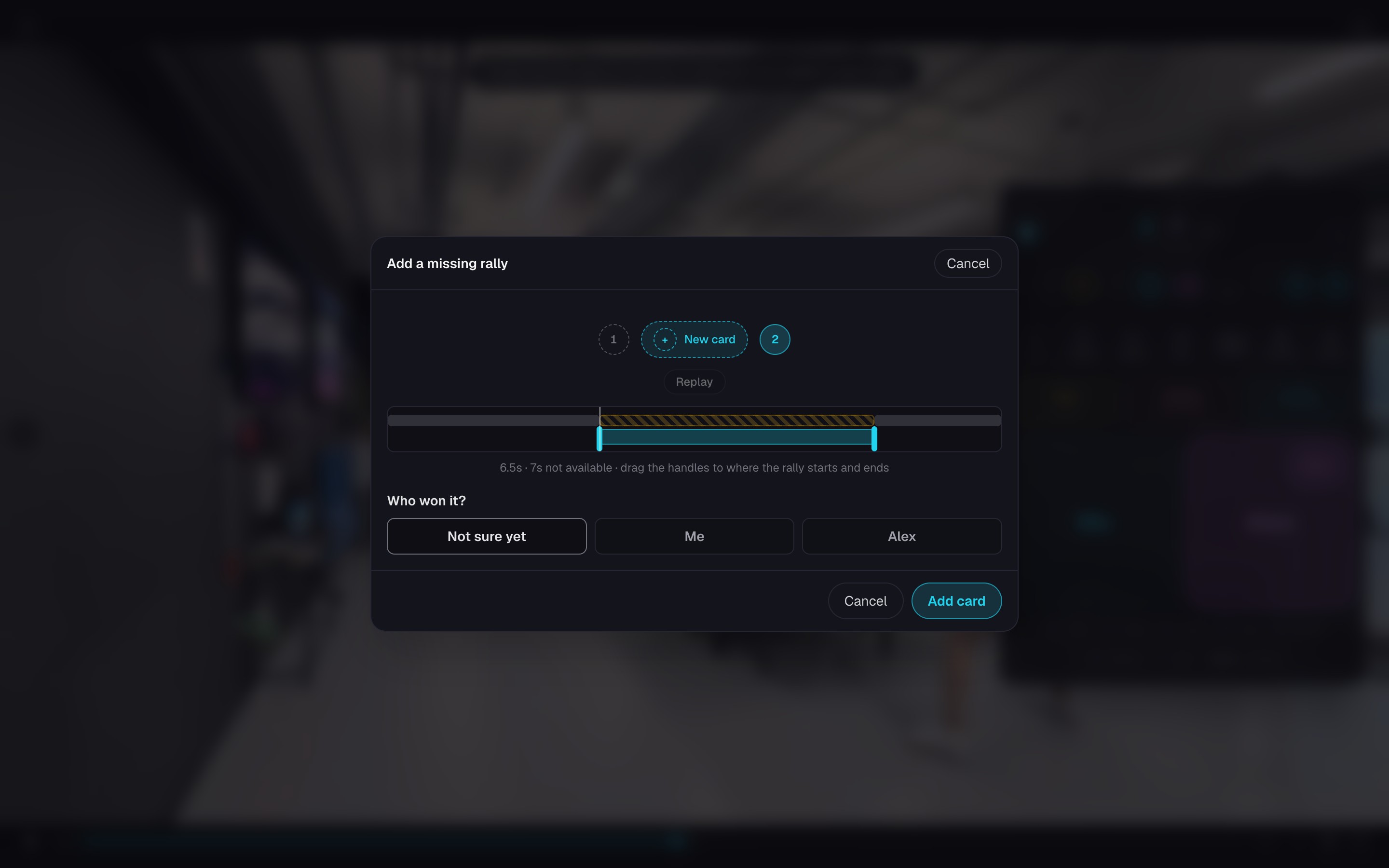
- Open the original match and put back a missed rally when the cut left it out.
Keep going
Score the match
Score the match in one pass and correct cuts or game boundaries as you go.
Organize points with tags
Create your own labels, find related points, and build collections.
How to analyze a table tennis match
Review your table tennis match video, compare serve and receive results, and use placement maps to choose what to practice.
Try it on your next match.
Every account starts with 100 free processing minutes and 25 GB of storage.
Upload your first match